
Update MLabel
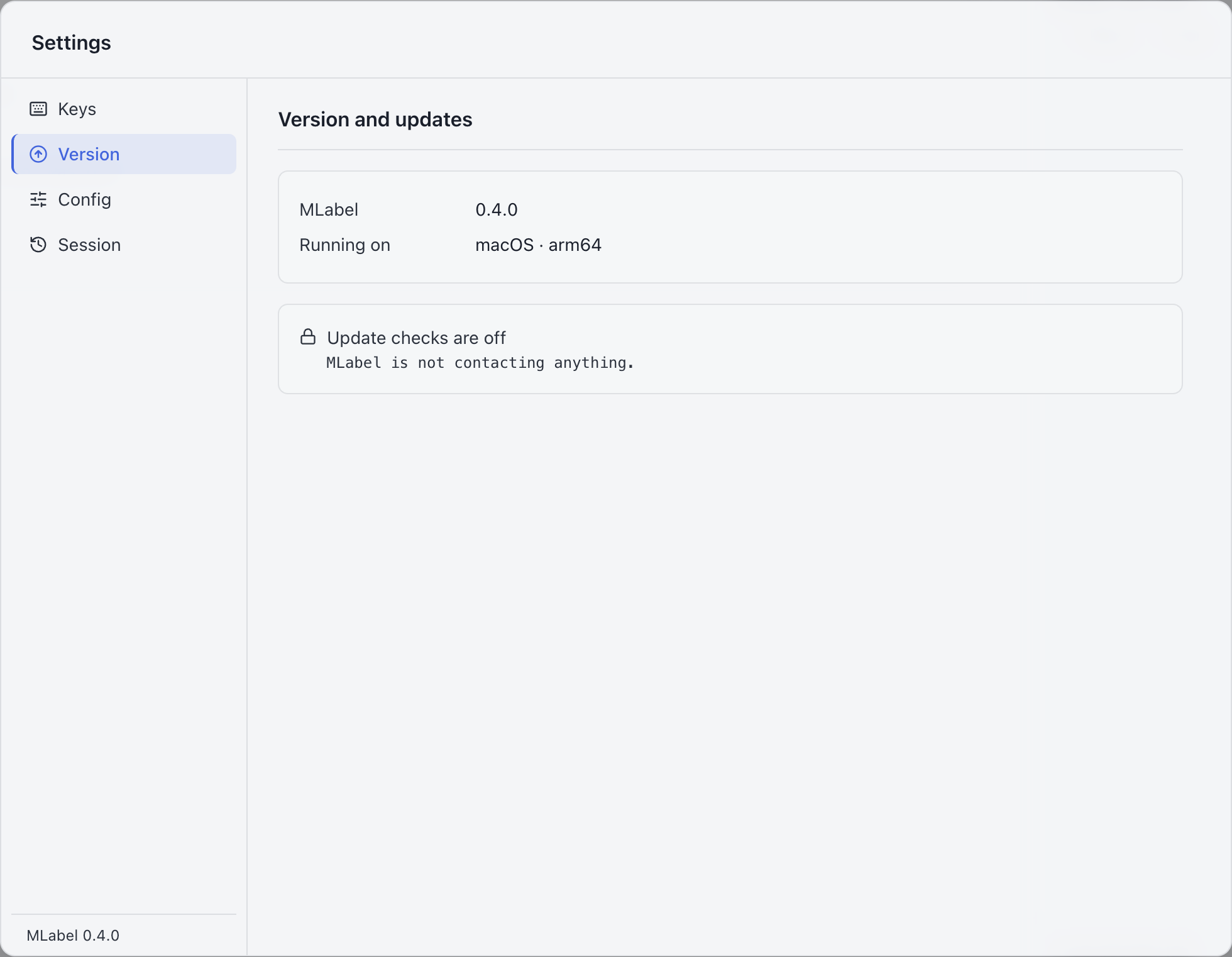
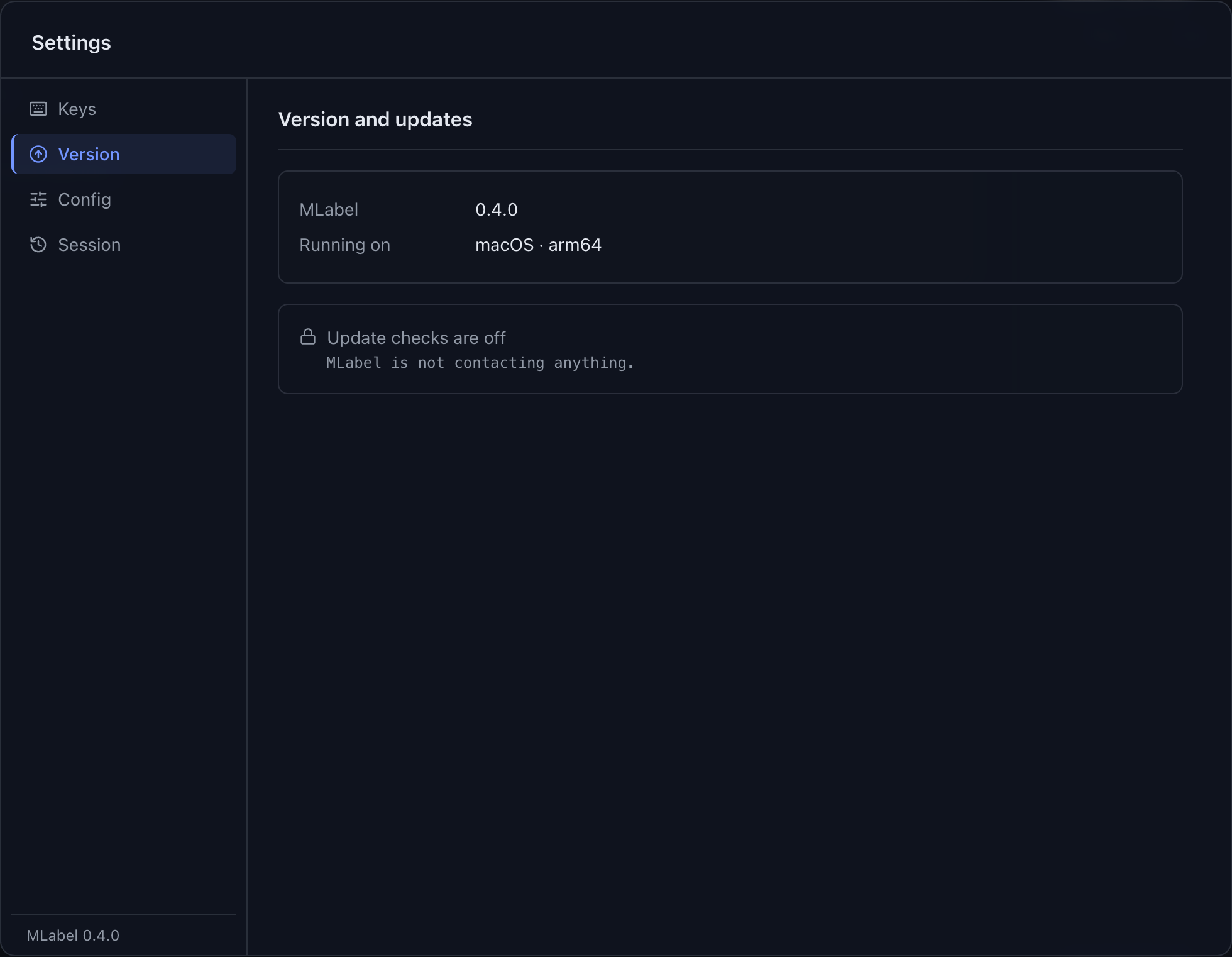
Open Settings → Version to see your installed version and update status.
Update checks begin only after a configuration permits them and your saved preference allows them. A project may intentionally keep everyone on a fixed release.
How it works
Section titled “How it works”Installed builds can download an available release and offer a restart to install it. Portable Windows builds and development builds offer a download link instead. Save or finish your current work before restarting.
| Status | What to do |
|---|---|
| Checking | Wait for the check to finish. |
| Up to date | Continue working. |
| Downloading | Keep working while the download completes. |
| Restart to update | Restart when you are ready to apply the downloaded release. |
| Update available | Open the offered release link and install the matching build. |
| Error | Check your connection and project policy; retry when appropriate. |
| No update check has run | Check whether the project permits updates. This does not mean the app is current. |
When available, use Check now in Settings or Check for Updates… in the application menu for a manual check.
Turning it off
Section titled “Turning it off”If Settings → Network is available, you can turn update checks off there. The setting affects your computer. An administrator can disable update traffic for a whole project with network.updateChecks: false; a personal preference cannot override it.
When updates can’t install
Section titled “When updates can’t install”- On macOS, open the installed copy in Applications, not the disk image. Mac setup.
- On Windows, a portable build needs manual replacement. Windows setup.
- If your project forbids update traffic, install the version supplied by its administrator.
- If a check fails, you can continue labeling; update availability is separate from your data.
Update manually
Section titled “Update manually”- Confirm the version your project expects.
- Finish and export work you need to hand over, or preserve the current saved session and keep its source files unchanged.
- Close MLabel and install the new release using the platform guide.
- Open the same configuration and data file. Check the displayed fields before continuing.
Configuration format versions and saved-session versions are separate from application release numbers. Version compatibility →