
Choose where answers come from
For each output column, decide who supplies its value. This is the field’s fill setting. It is separate from the value’s type and the control’s widget.
The four kinds
Section titled “The four kinds”| Fill | Where the value comes from | What the labeler sees | Required by default |
|---|---|---|---|
user |
An answer on each record | An answer control | Yes |
session |
One answer for the whole input file | A setup question | Yes |
copy |
A source column | No answer control | No |
timestamp |
The app’s completion time | No answer control | No |
This is the default. Omit fill for ordinary per-record questions.


{ "name": "notes", "type": "text", "widget": "textarea", "required": false }session
Section titled “session”Ask once before labeling begins. Use it for the reviewer name, team, or guideline version.
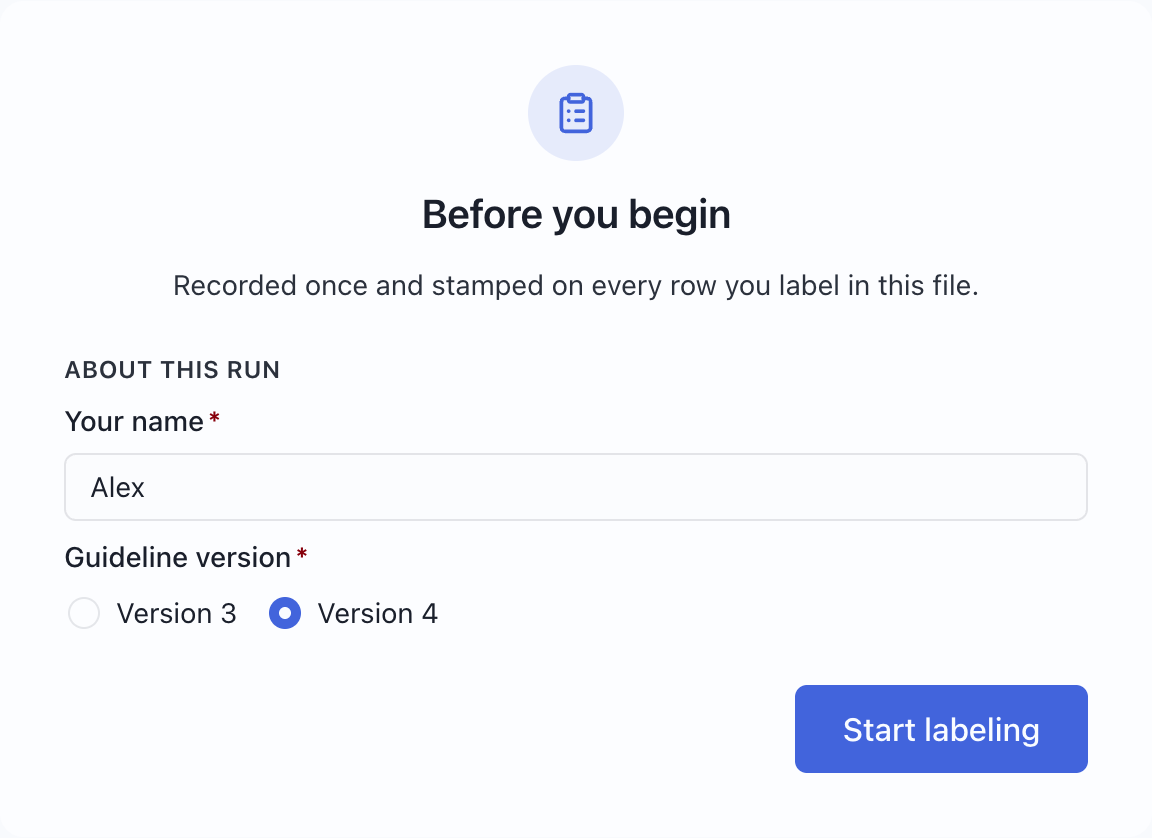
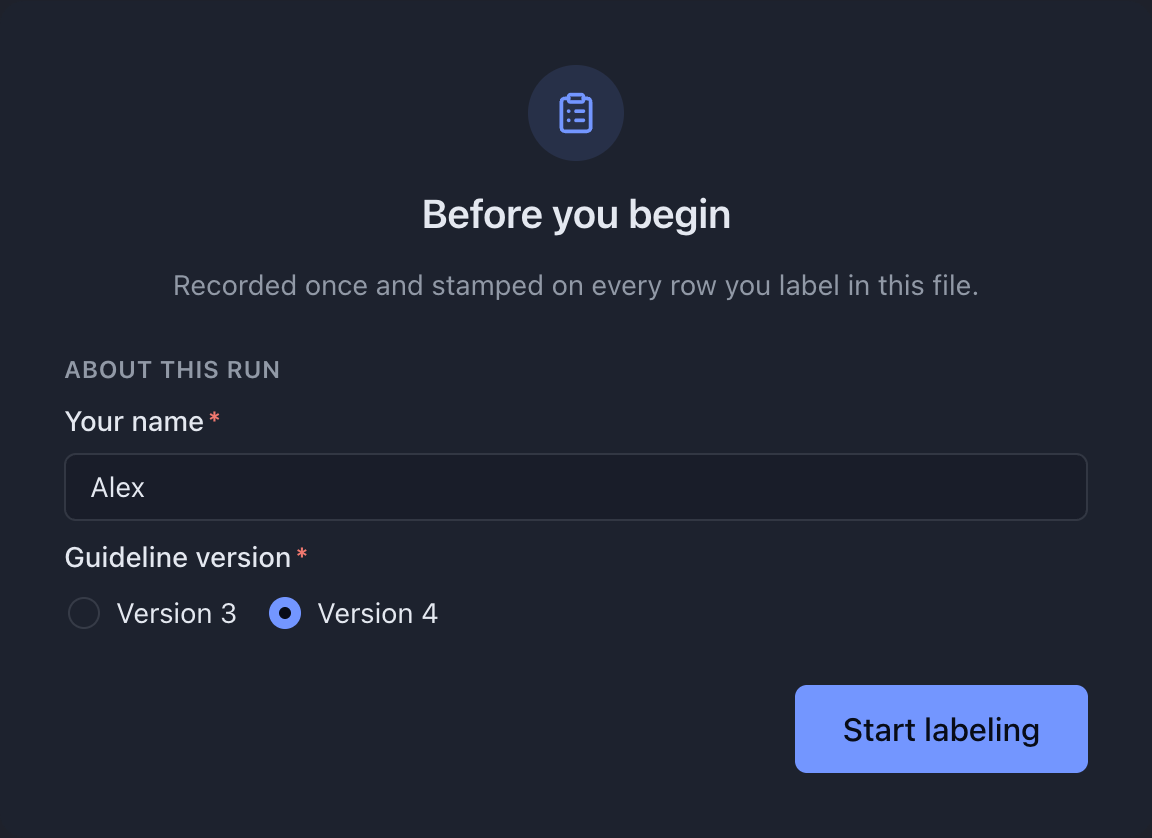
{ "name": "annotator", "type": "text", "display": "Your name", "fill": { "kind": "session" } }The answer is added to every completed output row. It does not make untouched records count as started. If you declare cards, put setup questions in a card with scope: "session".
Download the reviewer-details project →
Carry a value from input to output without asking the labeler to enter it.
{ "name": "id", "type": "text", "fill": { "kind": "copy" } }from defaults to the output field’s own name. To rename a column, set it explicitly:
{ "name": "sourceId", "type": "text", "fill": { "kind": "copy", "from": "id" } }The source and destination types must match. Copying a text ID into an integer field is rejected, even when the sample IDs look numeric. For nested data, keep the source and copied type definitions aligned.
See the source display and resulting CSV →
timestamp
Section titled “timestamp”Use a date field with fill.kind: "timestamp" to record when a record becomes complete. Later edits to a complete record update the timestamp.
{ "name": "labeledAt", "type": "date", "fill": { "kind": "timestamp" } }There is no date picker for this field. Use an ordinary user-filled date field if the labeler must choose a date from the record.
Interactive vs derived
Section titled “Interactive vs derived”Do not set widget or shortcut on copy or timestamp fields: there is no control to render or focus. They can still be required if your project needs their values present.
A required copied field can leave a record incomplete when its source value is missing. The labeler cannot repair that source from the answer form; resolve the source problem before distribution.
What actually gets written
Section titled “What actually gets written”A completed output row combines the record’s entered answers, copied source values, session answers, and timestamps in output.fields order. Remaining files contain source records, not these partially completed output values.