
Carry an ID into a renamed column
Keep a source identifier in the exported dataset without asking anyone to retype it.
What the labeler sees
Section titled “What the labeler sees”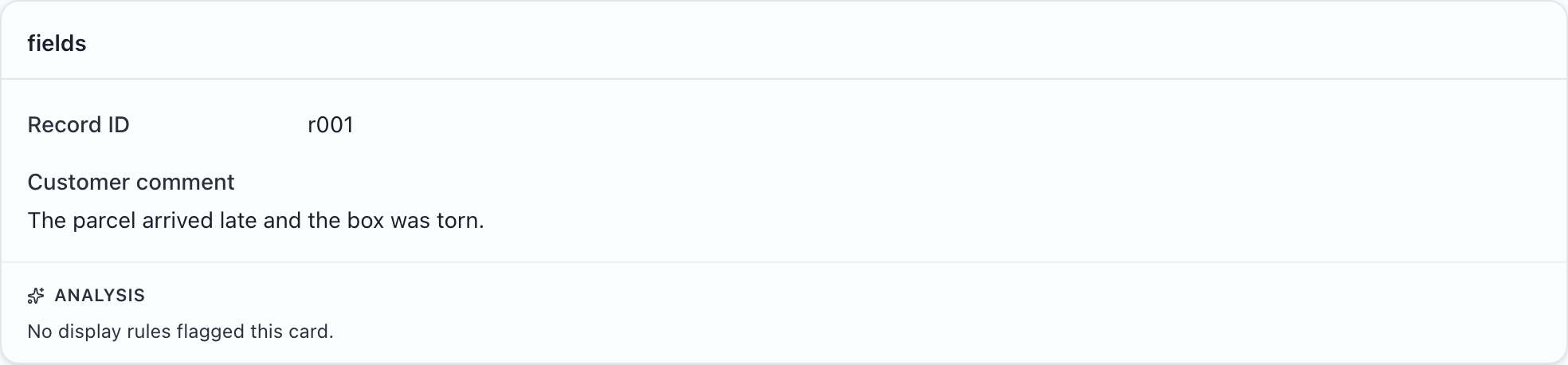
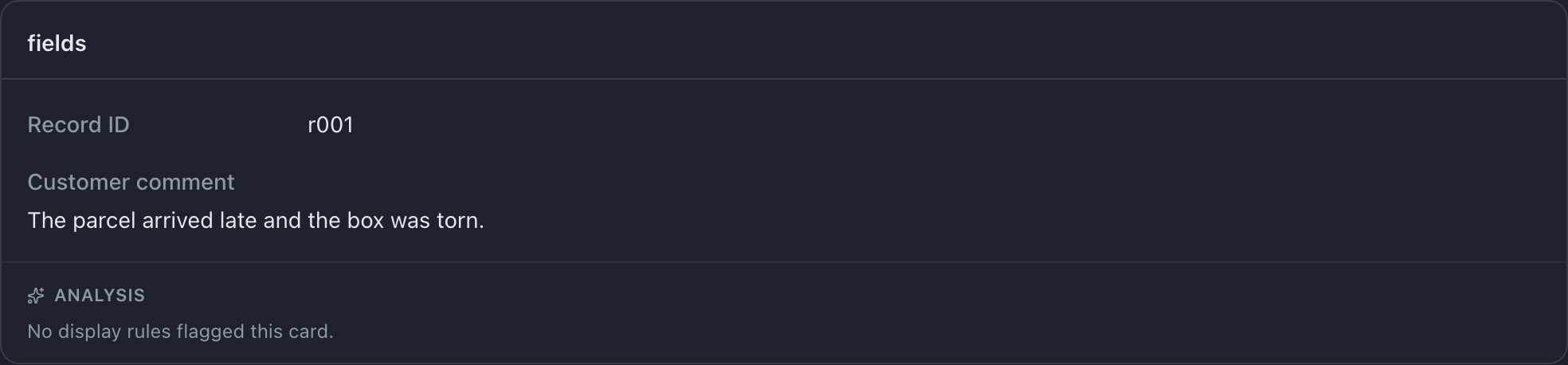
Try this example: download the complete configuration and sample CSV. Open the configuration in MLabel, then load the CSV.
View the complete configuration
{ "$schema": "https://mlabel.vlad.gg/mlabel.schema.json", "version": 2, "network": { "updateChecks": false, }, "input": { "fields": [ { "name": "id", "type": "text", "display": "Record ID", }, { "name": "comment", "type": "text", "display": { "title": "Customer comment", "titlePosition": "above", }, }, ], }, "output": { "fields": [ { "name": "sourceId", "type": "text", "fill": { "kind": "copy", "from": "id", }, }, { "name": "verdict", "type": "enum", "widget": "radio", "display": "Review decision", "choices": [ { "name": "pass", "display": "Pass", }, { "name": "fail", "display": "Fail", }, ], }, ], },}View the sample CSV
id,commentr001,The parcel arrived late and the box was torn.Configure it
Section titled “Configure it”Declare sourceId as an output field and set fill.from to the input name id. The input and output types must match.
A copied field produces no answer control. The labeler sees the ID in the source card and answers the separate review question. To copy the same ID into another column, add another text output field with the same fill.from.
The relevant setting is in output.fields.0. The download above includes the surrounding configuration.
{ "name": "sourceId", "type": "text", "fill": { "kind": "copy", "from": "id", },}Try it and check the result
Section titled “Try it and check the result”Select Pass and export. The resulting CSV is:
sourceId,verdictr001,passThe source column is still named id. display only changes on-screen captions; use the output field’s name to change an exported header.

