
Arrange fields into cards
Cards group related information. Use them to put the main evidence first and supporting details underneath. Define source layout in input.cards and answer layout in output.cards.
Start with the result
Section titled “Start with the result”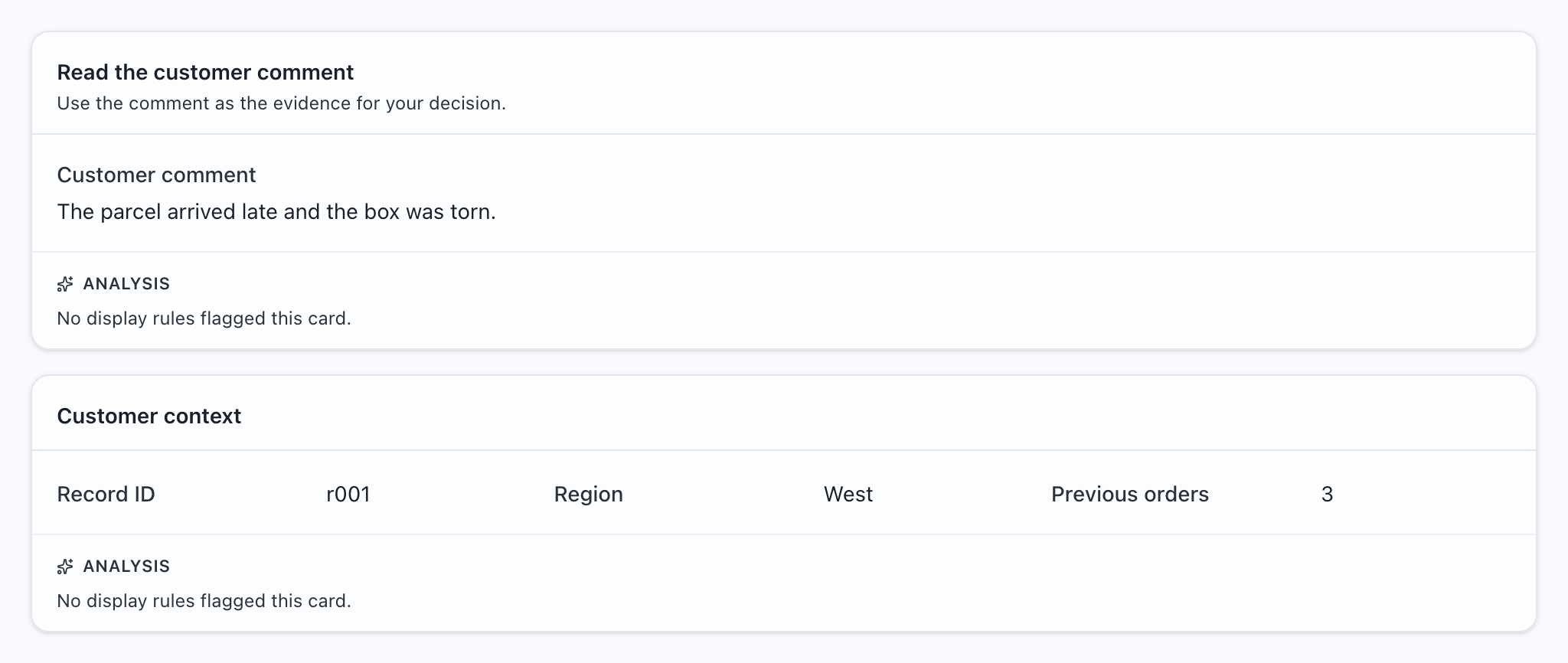
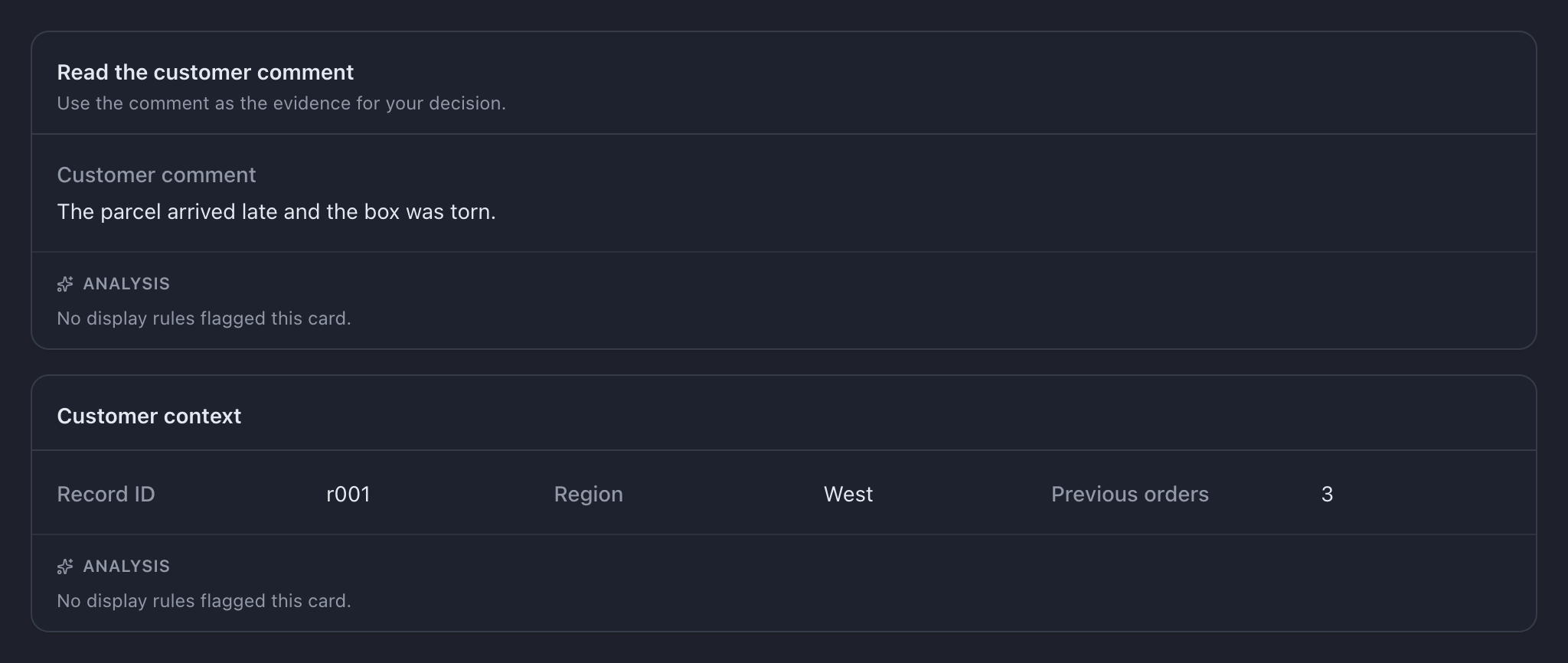
Try this example: download the complete configuration and sample CSV. Open the configuration in MLabel, then load the CSV.
View the complete configuration
{ "$schema": "https://mlabel.vlad.gg/mlabel.schema.json", "version": 2, "network": { "updateChecks": false, }, "input": { "fields": [ { "name": "id", "type": "text", "display": "Record ID", }, { "name": "comment", "type": "text", "display": { "title": "Customer comment", "titlePosition": "above", }, }, { "name": "region", "type": "text", "display": "Region", }, { "name": "orders", "type": "integer", "display": "Previous orders", }, ], "cards": [ { "name": "comment-card", "display": { "title": "Read the customer comment", "description": "Use the comment as the evidence for your decision.", }, "rows": [ { "use": ["comment"], }, ], }, { "name": "context", "display": "Customer context", "rows": [ { "perRow": 3, "use": ["id", "region", "orders"], }, ], }, ], }, "output": { "fields": [ { "name": "id", "type": "text", "fill": { "kind": "copy", }, }, { "name": "verdict", "type": "enum", "widget": "radio", "display": "Review decision", "choices": [ { "name": "pass", "display": "Pass", }, { "name": "fail", "display": "Fail", }, ], }, ], },}View the sample CSV
id,comment,region,ordersr001,The parcel arrived late and the box was torn.,West,3Declaring them
Section titled “Declaring them”This is the sample’s input.cards setting:
[ { "name": "comment-card", "display": { "title": "Read the customer comment", "description": "Use the comment as the evidence for your decision.", }, "rows": [ { "use": ["comment"], }, ], }, { "name": "context", "display": "Customer context", "rows": [ { "perRow": 3, "use": ["id", "region", "orders"], }, ], },]Read it from the outside in:
| Setting | What it controls |
|---|---|
name |
A unique identifier for the card. Rules use this name. |
display |
The heading and optional description shown to the labeler. |
rows |
Groups of fields, from top to bottom. |
use |
Names of fields declared on the same side of the config, in display order. |
perRow |
How many fields to fit across before wrapping. |
perRow
Section titled “perRow”Use one field per row for long text. Group short values such as an ID, region, and count on one row.


{ "perRow": 2, "use": ["a", "b", "c", "d"] } creates two rows of two fields. If you omit perRow, it defaults to the number of fields in use. The window can still force wrapping, so test at the screen size your team uses. The answer panel is narrower than the source area.
Omit them entirely
Section titled “Omit them entirely”Without cards, MLabel shows the fields in a default group, one per row. Start there for a short form; add cards when grouping helps someone read the record.
Fields you leave out
Section titled “Fields you leave out”Once you declare cards, a field omitted from every use list is hidden. This is useful for an ID you only want copied to output. Check omissions carefully: an accidentally hidden required answer can prevent records from becoming complete.
Copy and timestamp output fields have no controls. You do not need to include them in the answer layout.
Session cards
Section titled “Session cards”Questions about the reviewer or guideline version belong on the setup screen. Give those fields fill.kind: "session", then place them in a card with scope: "session".
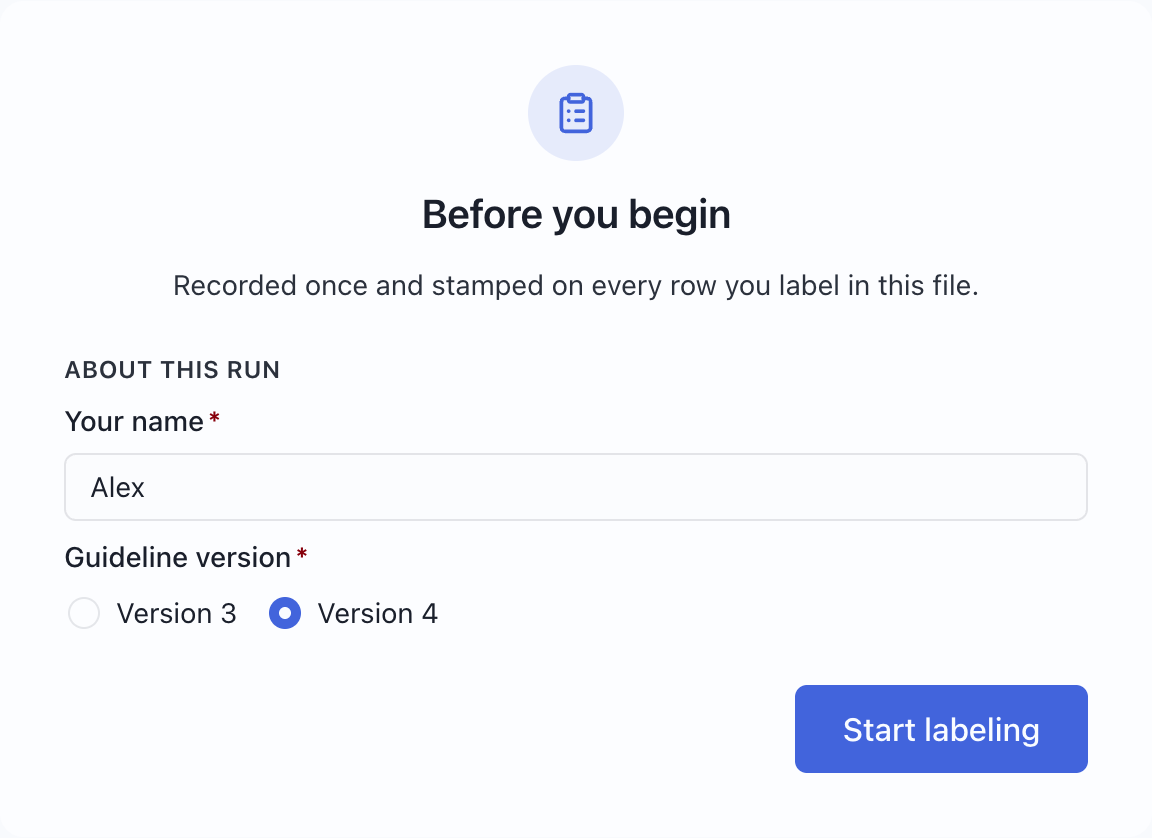
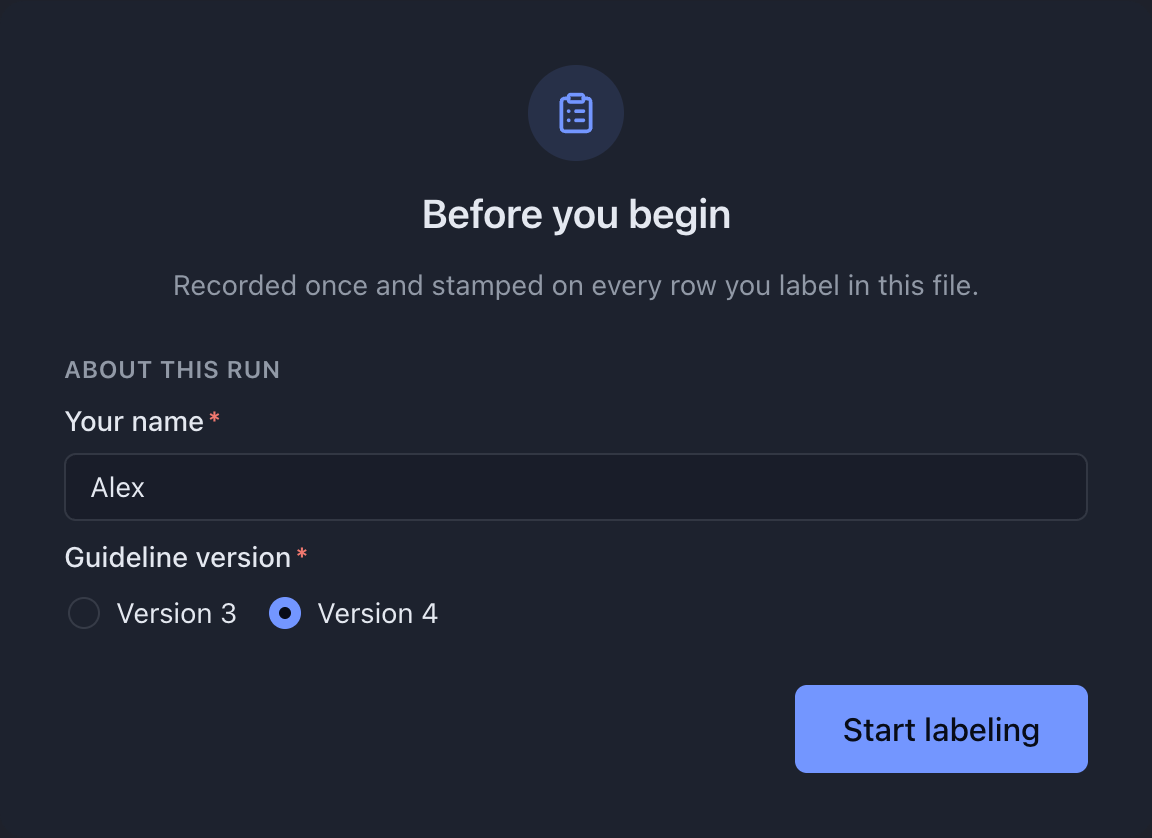
Use the complete reviewer-details recipe →
If you declare session cards, include each setup question you want shown. A session field placed in a record card does not render there. With no session cards, MLabel uses a default layout for the setup questions.
Ordering
Section titled “Ordering”Cards follow their declaration order. Rows follow the order in rows; fields follow the order in use. This changes screen layout only. Exported columns follow output.fields order.