
Define input and output fields
A field is a named value in your project. Input fields describe what the labeler reads. Output fields describe what the finished file contains.
Start with a question
Section titled “Start with a question”Suppose your source has id and comment, and you need a review decision. Declare the source columns in input.fields, then define the copied ID and the decision in output.fields.
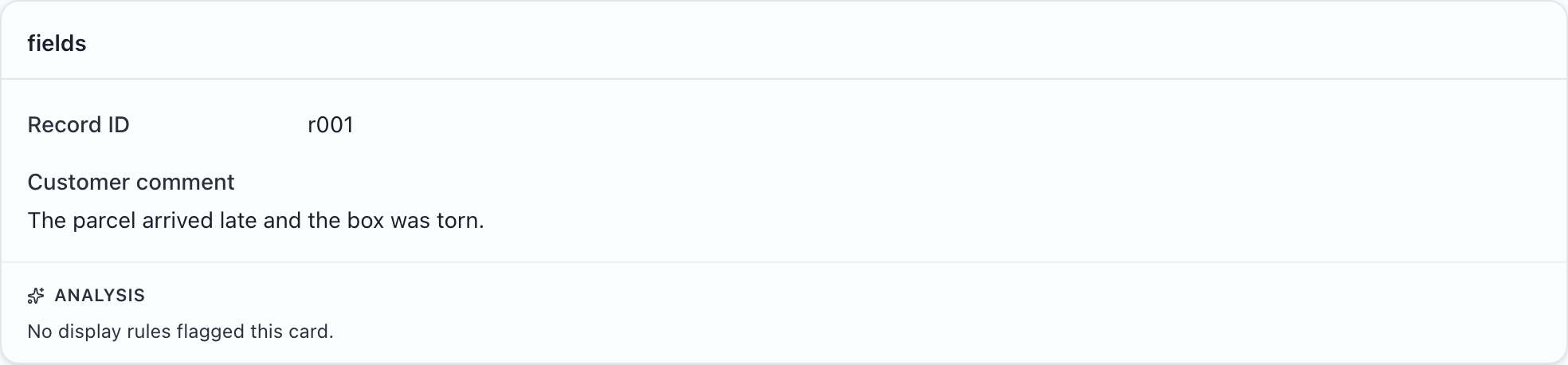
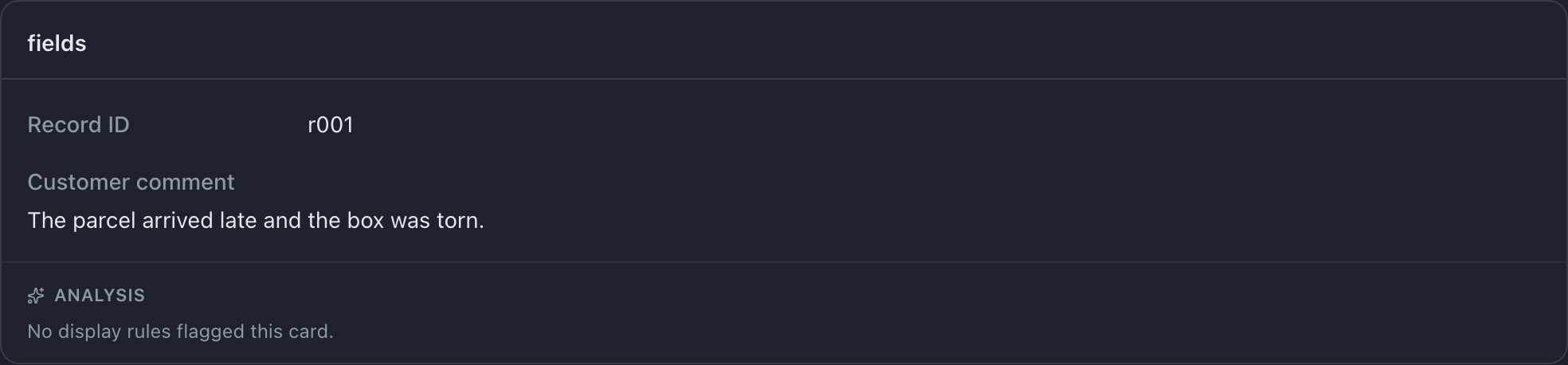


The shared shape
Section titled “The shared shape”Every field needs name and type. Add display for a friendly caption, then the settings supported by its type.
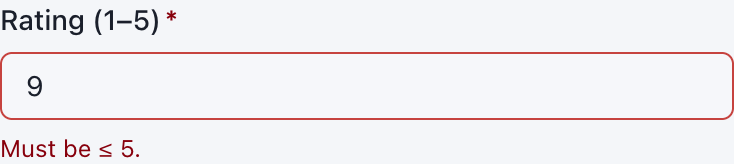
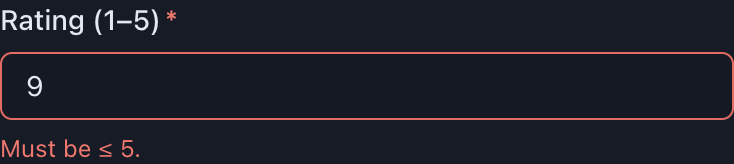
{ "name": "rating", "type": "integer", "display": "Delivery rating", "min": 1, "max": 5,}An input field with this definition reads a rating from the source. An output field with it asks for a rating. Compare the controls before choosing a type.
Naming
Section titled “Naming”Use name for the file’s column header and display for the wording on screen.
- Names can contain letters, digits,
_,-, and internal spaces. - Do not use leading/trailing whitespace or
.,[,],*. - Each input name must be unique. Each output name must be unique.
- An input and an output may share a name. They are only connected when you explicitly use
fill.kind: "copy".
Names inside a nested object are JSON member names rather than CSV headers and have different restrictions; see structured data.
Input fields
Section titled “Input fields”Every declared input column must exist in the source file. Extra source columns cause a warning and are not shown as declared fields.
MLabel converts source cells to their declared types. A value that cannot be read displays a warning. Input min, max, and other answer constraints do not reject out-of-range source values. Use display rules to draw attention to them.
Output fields
Section titled “Output fields”| Decision | Setting | Example |
|---|---|---|
| What value should be stored? | type |
An enum stores one configured choice name. |
| Where does it come from? | fill |
copy carries a source ID into output. |
| How should a person answer? | widget |
radio shows enum options together. |
| Is an answer necessary? | required |
false lets notes remain empty. |
| How can someone focus it quickly? | shortcut |
mod+n focuses a notes box. |
User and session fields are required by default. Copied and timestamp fields are optional by default. Output constraints apply even to optional fields when a value is supplied.
Column order
Section titled “Column order”The order of output.fields determines output column order. Cards only change screen layout. Check an actual export before distributing the configuration.