
Open your project configuration
A configuration (.jsonc) tells MLabel which source information to show and which questions to ask. Use the file supplied for your assignment. You do not need a terminal or editor.
Getting one
Section titled “Getting one”Save the configuration and input file in a project folder you can find again. Keep the original filenames unless your project contact asks you to change them.
Creating the project yourself? Use Create your first project or a cookbook example.
Loading one
Section titled “Loading one”- Open MLabel.
- Select Select config… and choose the
.jsoncfile. You can also drop the configuration onto the window. - Select the assigned data file when prompted.
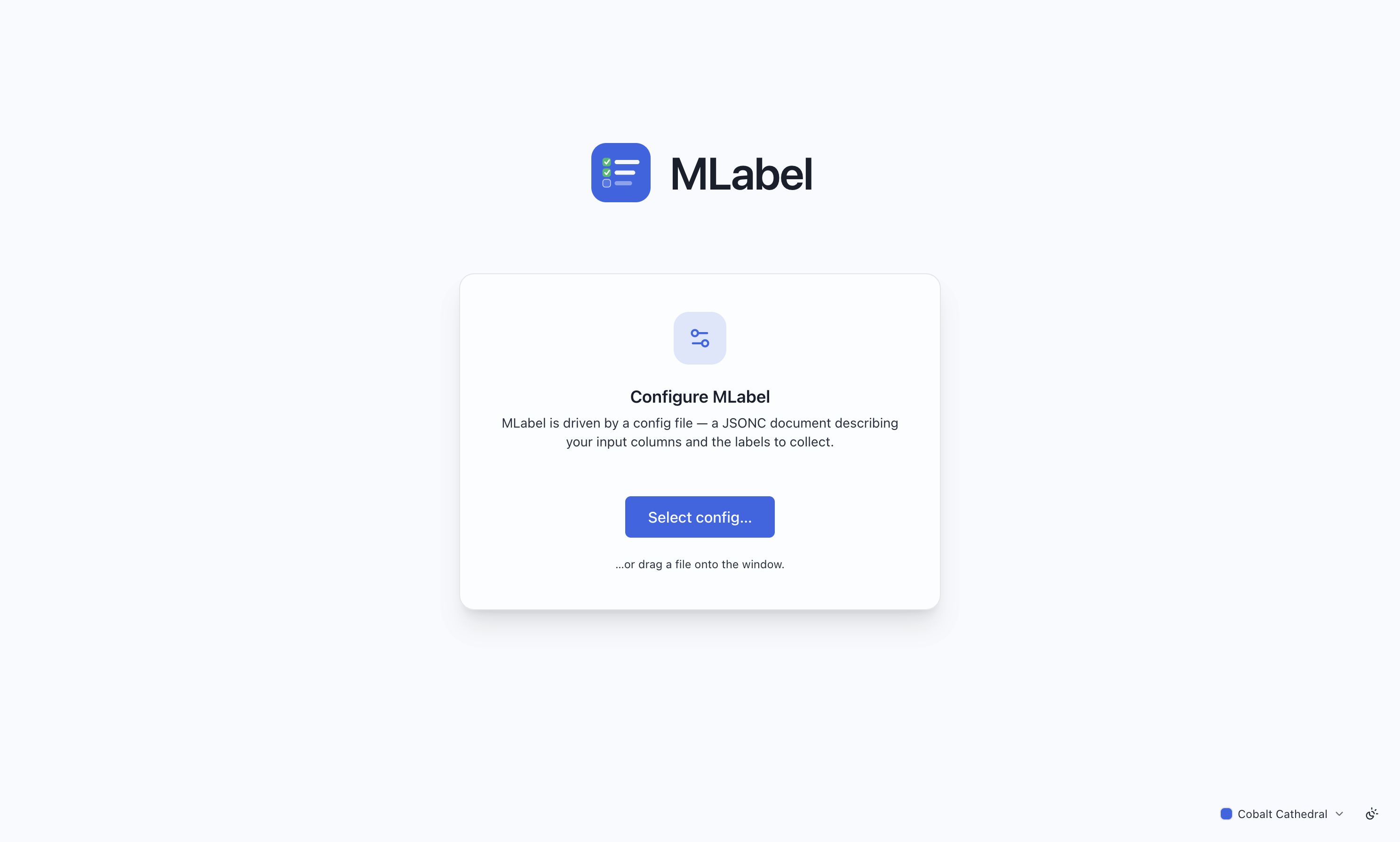
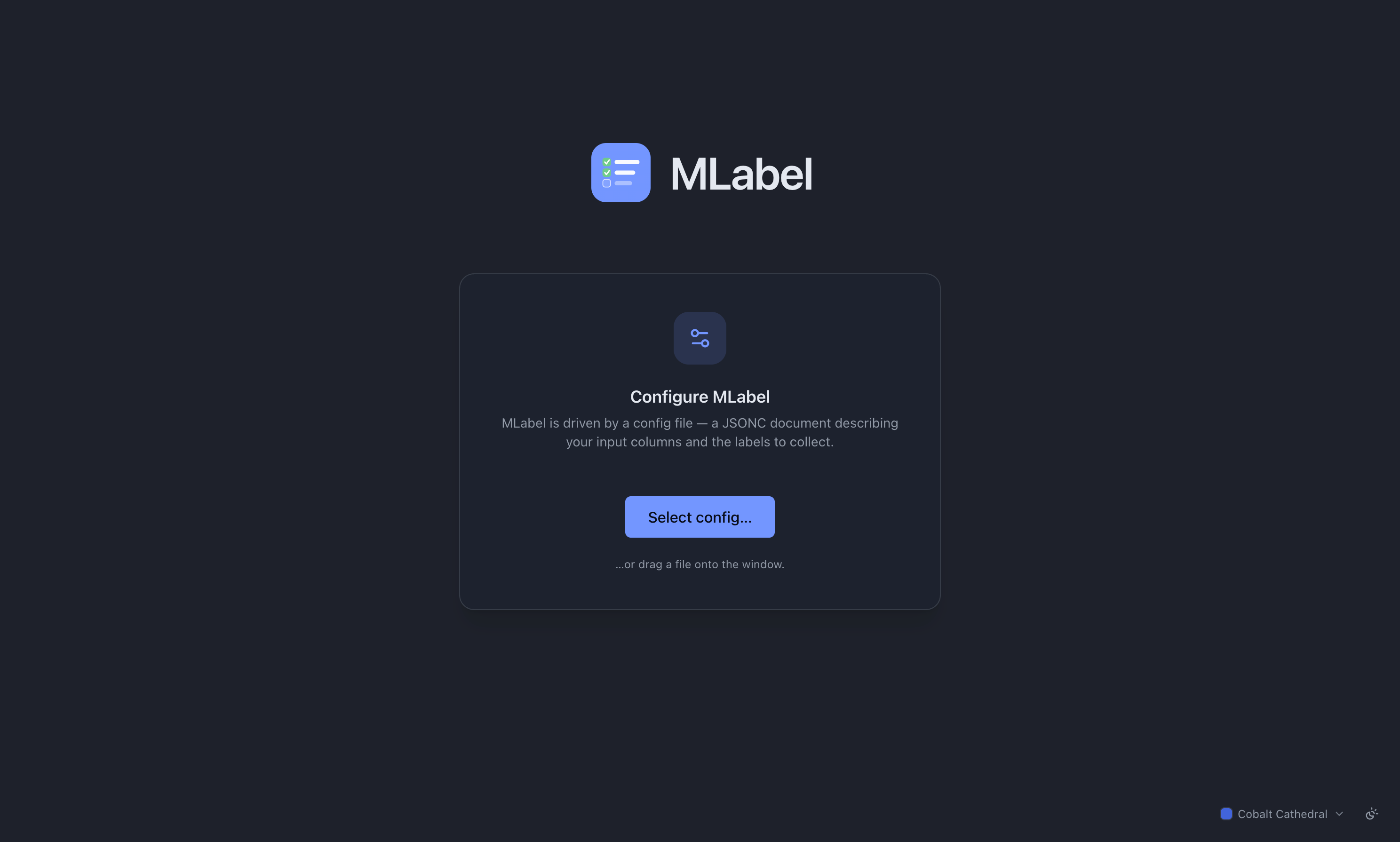
MLabel may already have loaded a configuration from its startup location or your recent files. Check that it is the project you intend to use. Settings → Config shows the active configuration; use Change… there when you need another one.
Before changing projects, finish or preserve your current work. MLabel keeps one saved session at a time. Save and resume.
If the config is rejected
Section titled “If the config is rejected”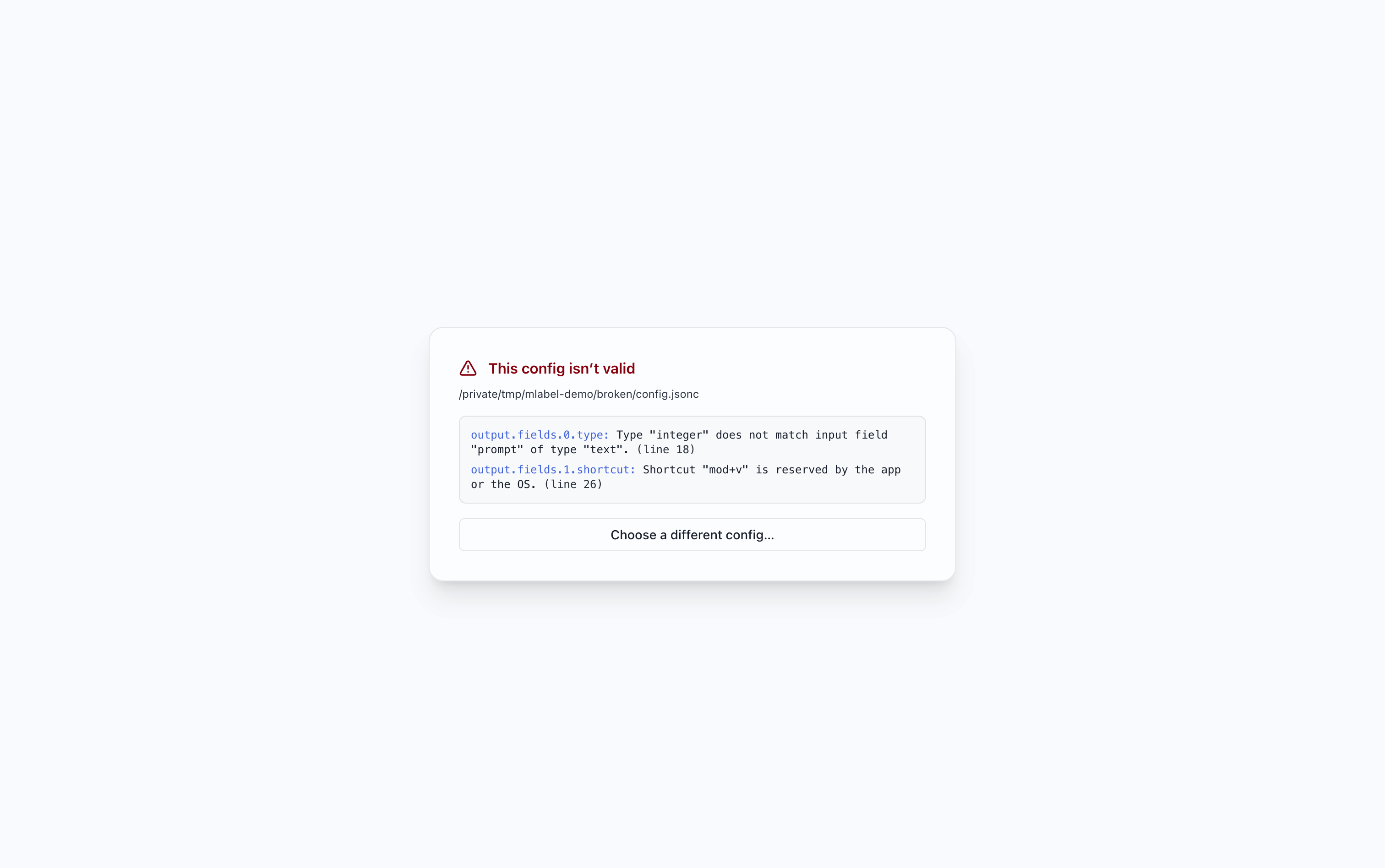
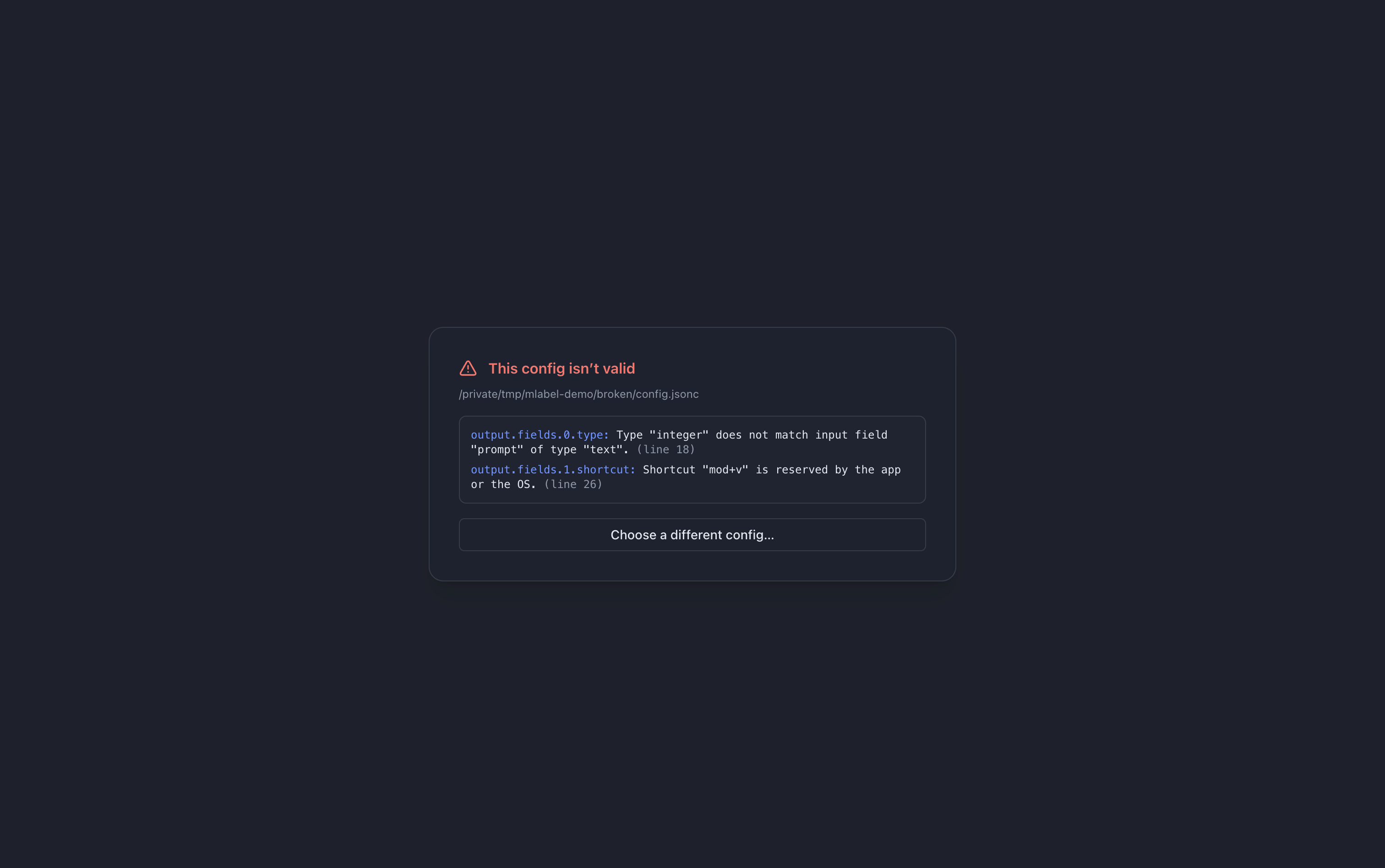
Send your administrator the configuration filename and the error text. Do not change field names or answer options just to make the file load; that can change the meaning of the assignment.
If you maintain the config, use the configuration error guide. Fix the reported errors and try again: later validation stages may reveal further issues.
Automatic loading
Section titled “Automatic loading”MLabel first checks its configured startup locations for a known config filename, then tries the most recent configuration. Administrators can find the exact discovery rules in Distribute the app and config.
Editor support
Section titled “Editor support”Configuration authors can enable autocomplete with a $schema URL. This is an authoring step, not something labelers must set up. Configuration structure and validation →