
Split and join files
Load the project’s configuration, then choose Mode → Prepare. You can also use ⌘/Ctrl + Shift + P. Return to labeling with ⌘/Ctrl + Shift + L.
Prepare mode checks files against the loaded configuration. Keep output files and remaining files in separate groups because they contain different columns.
Choose the files
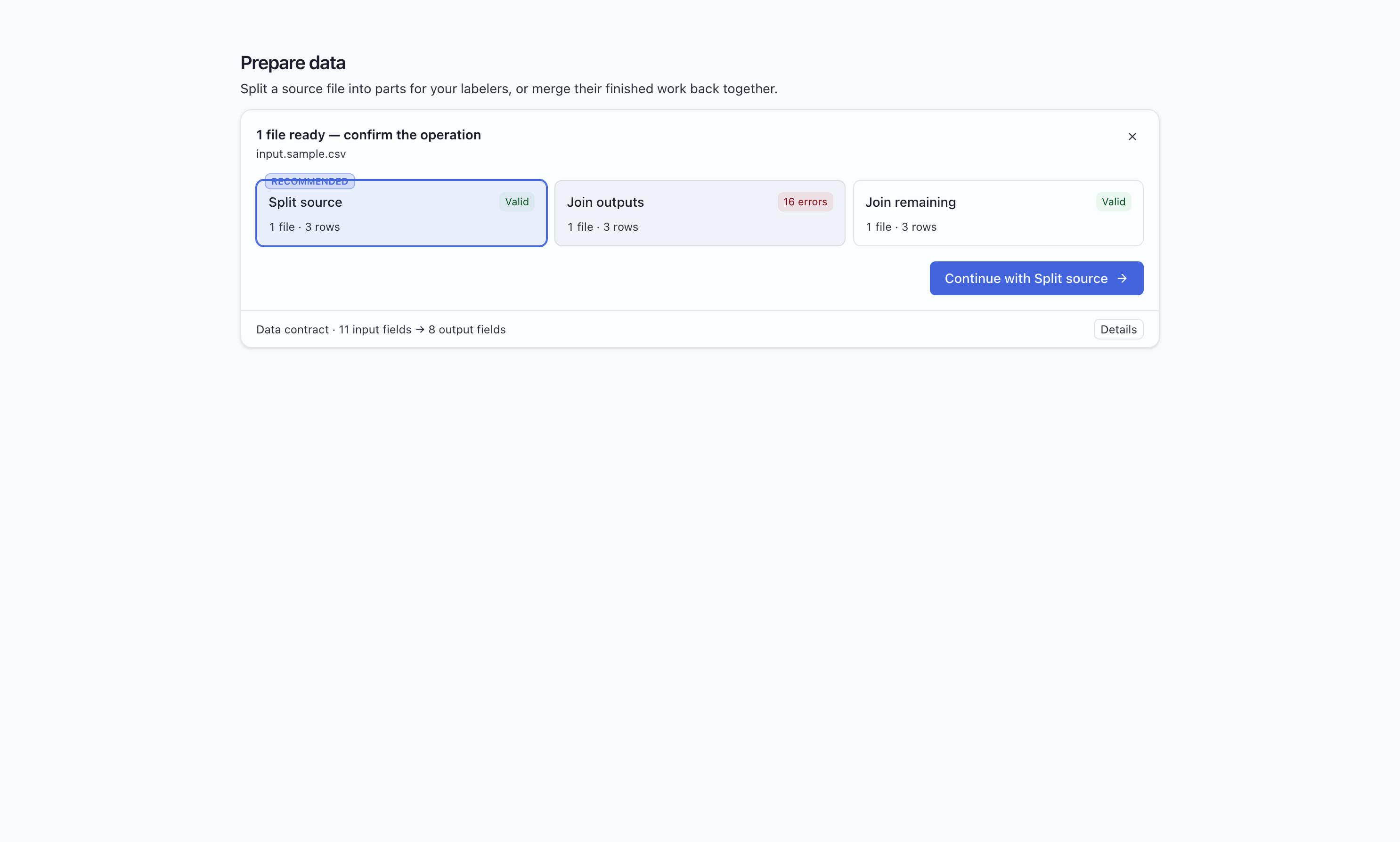
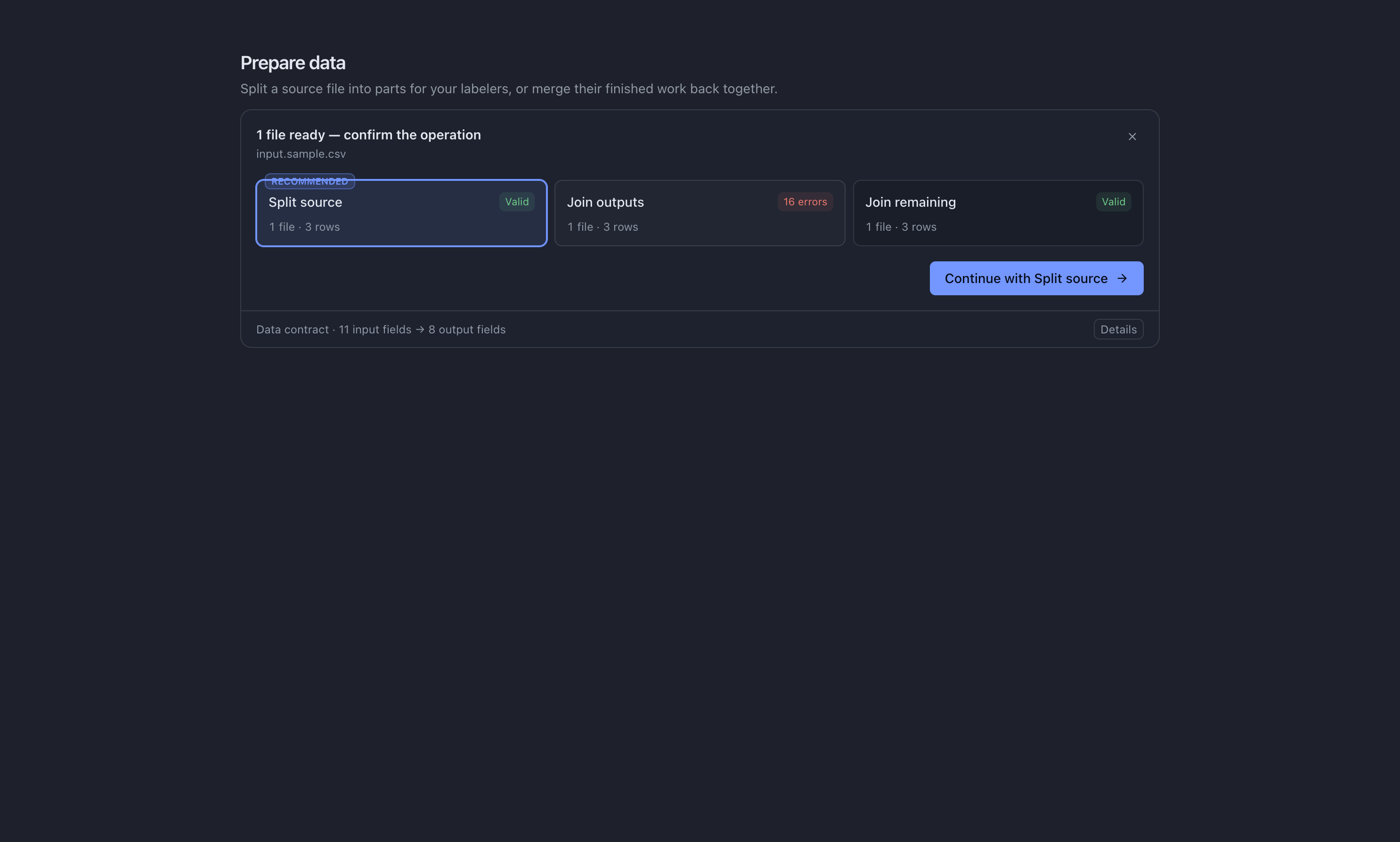
Section titled “Choose the files”Drop files into the Prepare window or use the file picker. MLabel proposes an operation, then asks you to confirm it.
| Files selected | Expected operation |
|---|---|
| One source file | Split |
Several *-output files |
Join outputs |
Several *-remaining files |
Join remaining |
Split a source file
Section titled “Split a source file”- Select one input file and confirm Split.
- Choose the number of parts.
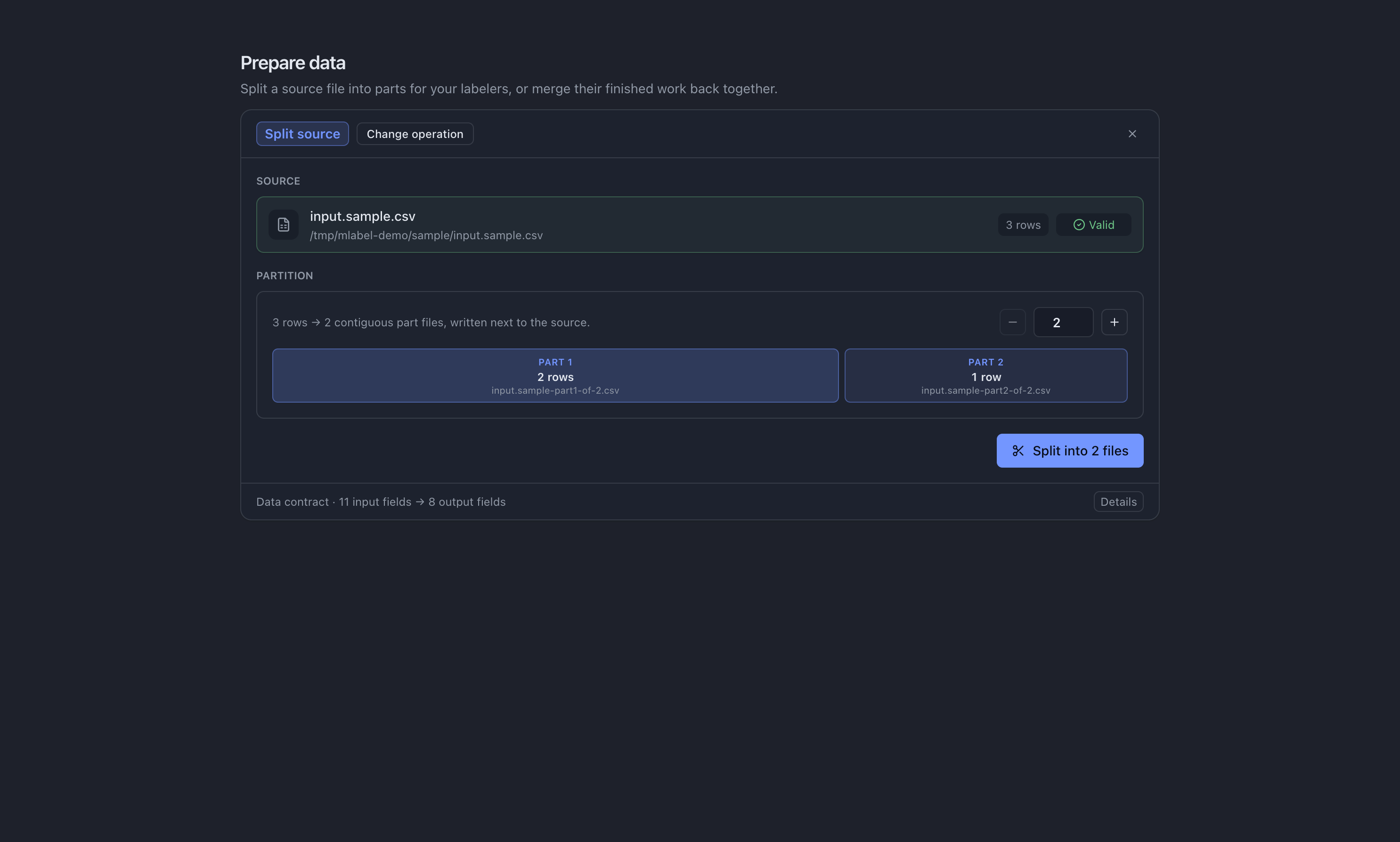
- Review the names and record counts in the preview.
- Run the operation, then locate the new parts beside the source file.
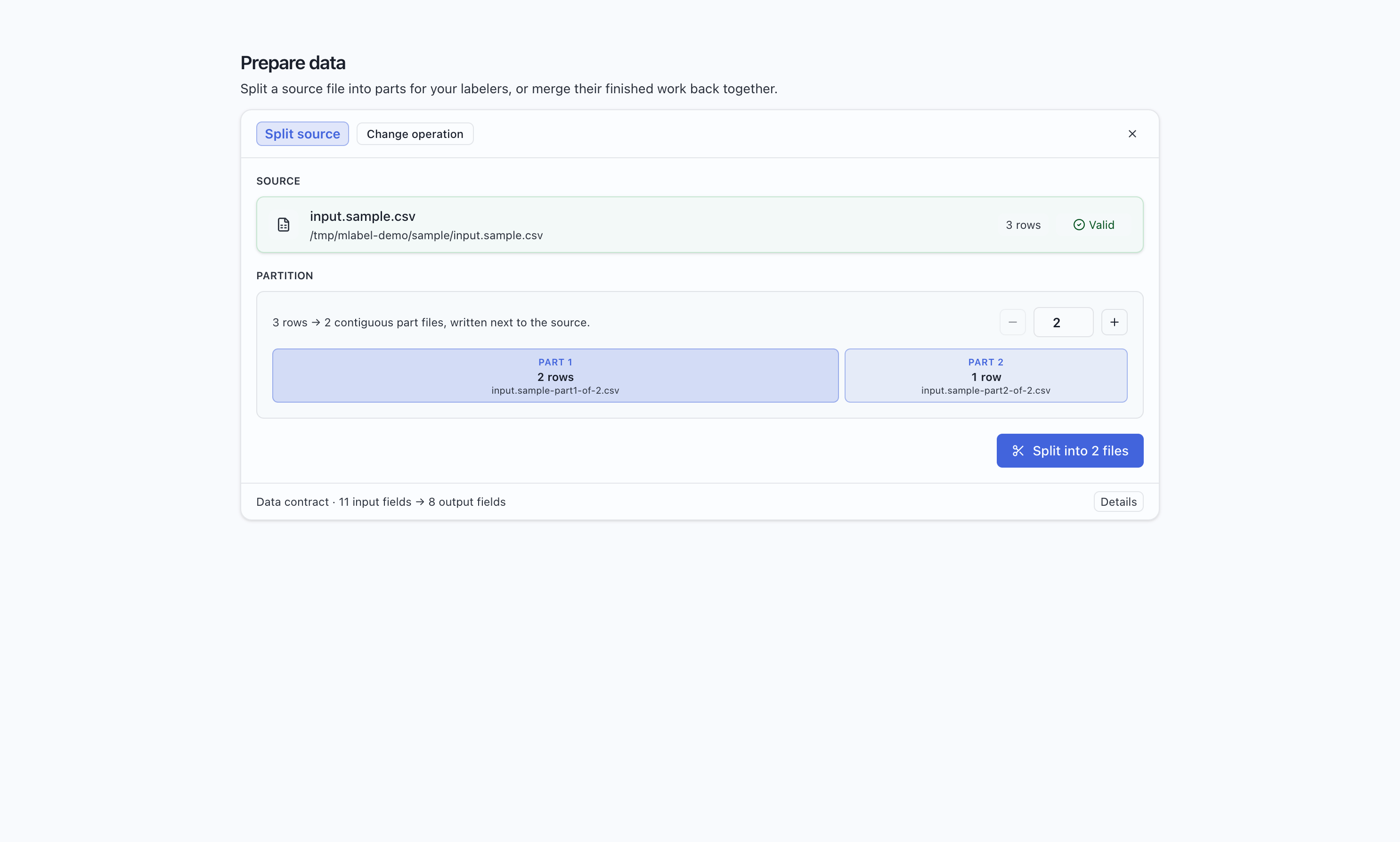
For example, data.csv split into three parts produces data-part1-of-3.csv,
data-part2-of-3.csv, and data-part3-of-3.csv. Ten records become groups of 4, 3, and 3.
Each part contains consecutive source records; splitting does not shuffle them.
Give each labeler their assigned part and the same project configuration. The original source file stays unchanged. If a destination filename already exists, the split fails instead of overwriting it.
Join finished output
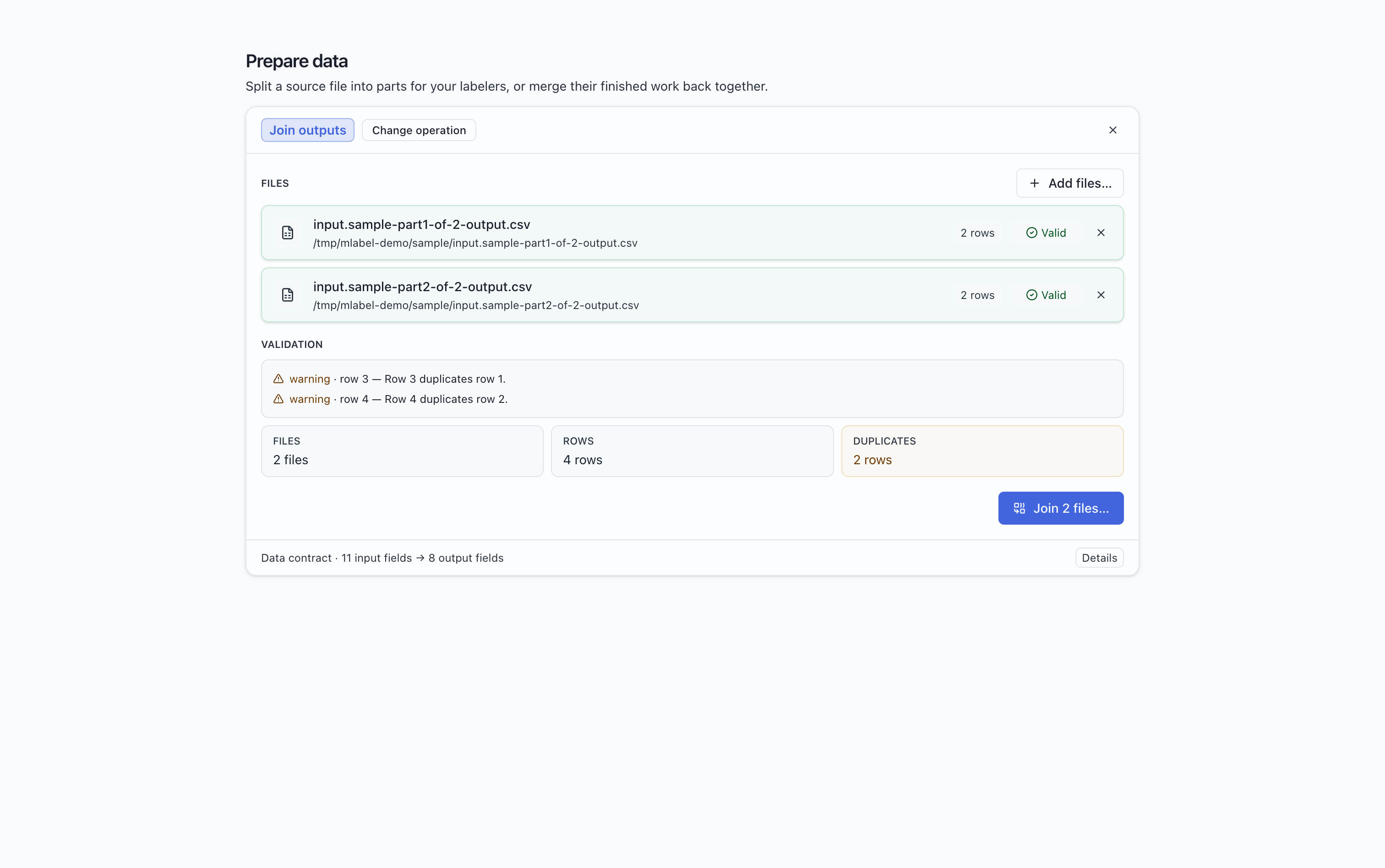
Section titled “Join finished output”- Select the returned output files together and confirm Join outputs.
- Review the validation result for every file.
- Resolve errors and investigate duplicate warnings.
- Choose where to save the combined file and run the join.
| Result | Meaning |
|---|---|
| Header error | Column names or their order do not match. Check project versions and file kinds. |
| Output validation error | A value, required answer, or field constraint does not match the output schema. |
| Duplicate warning | Rows repeat. Check for resubmitted batches or overlapping work. |
| Remaining-value warning | A source value could not be read as its configured type; this does not block joining remaining files. |
MLabel validates values; it does not decide whether a human judgment is correct.
Join and reassign remaining records
Section titled “Join and reassign remaining records”Join remaining files separately using Join remaining. You can then split the combined file and distribute it for another pass with the same configuration.
Remaining files preserve source values, not partially entered labels. Their CSV formatting may differ from the original; see export behavior.
If something changes before you run
Section titled “If something changes before you run”Prepare reads the files again when the operation runs. Keep the source files stable while reviewing the preview, and recheck if someone has edited or replaced them.