
Export and return files
Select Save, or press ⌘/Ctrl + Enter, when you are ready to return your work. You can export before every record is finished.
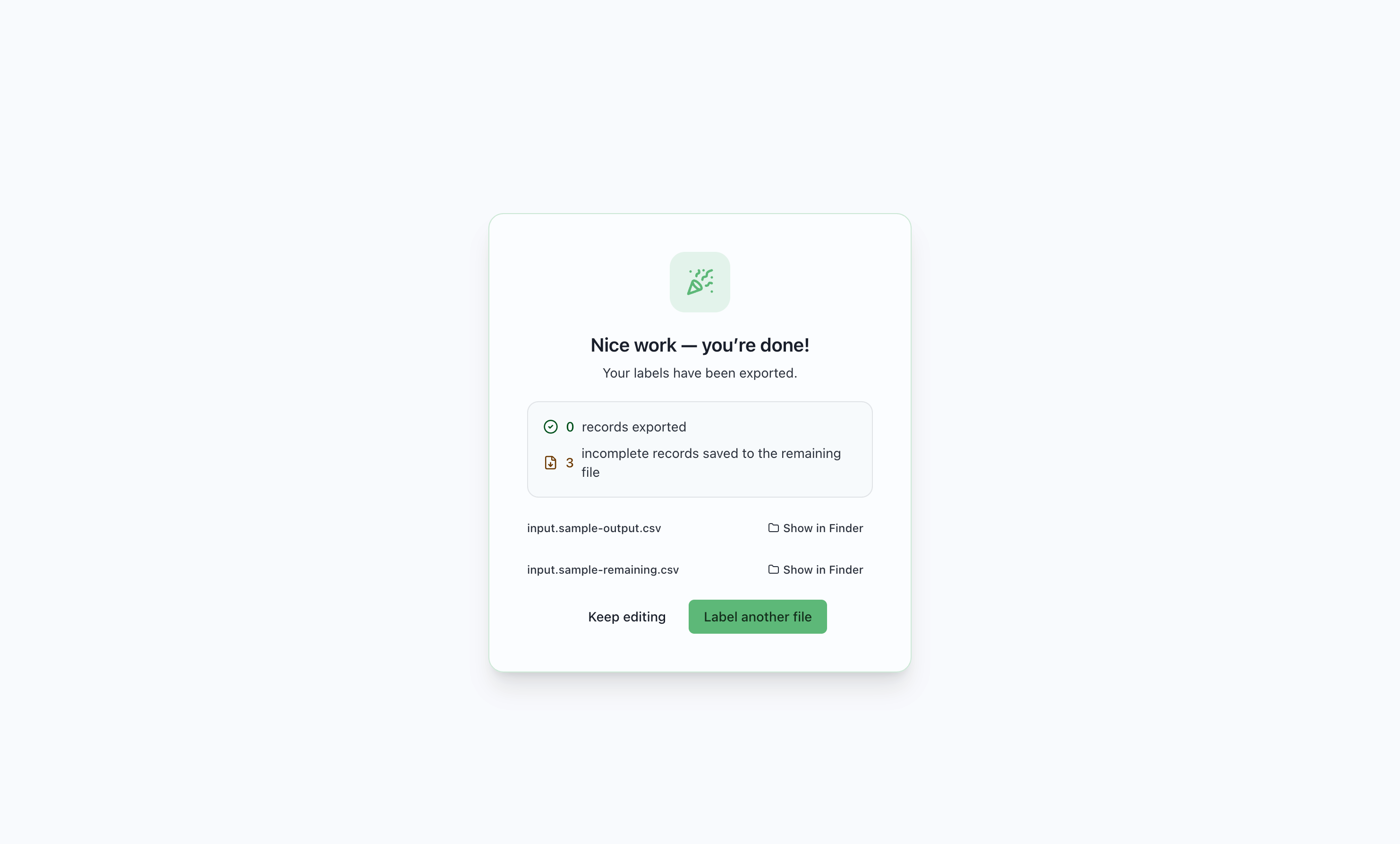

Two files
Section titled “Two files”Exports are written beside the input file. For an input named batch-01.csv:
| Filename | Contents |
|---|---|
batch-01-output.csv |
Complete records, using the configured output columns |
batch-01-remaining.csv |
Unfinished records, using the original input columns |
No remaining file is written when every record is complete. The output contains only columns the administrator configured, which may include copied IDs, your session answers, and timestamps.
Hand your work back
Section titled “Hand your work back”- Check the exported and remaining counts on the Done screen.
- Select Show in Finder (macOS) or Show in File Explorer (Windows) to locate each file.
- Send both files to your preparer, if both exist. Include the assignment or batch name.
- Keep your copies until your preparer confirms receipt.
Someone else can open the remaining file with the same configuration and begin a new pass. MLabel does not upload files or notify your preparer automatically.
A second export is refused
Section titled “A second export is refused”MLabel refuses to overwrite existing export files. If you need to export again, move the previous files to an archive folder, then select Save again. Confirm which version your preparer should use so both exports are not counted as separate submissions.
After exporting
Section titled “After exporting”Keep editing returns to the records with the answers still in memory. A subsequent edit starts saving a fresh session. If you quit immediately after export, that in-memory work is not a resumable session; the exported files are what remains on disk.
Label another file returns to the file picker.
Both files, or neither
Section titled “Both files, or neither”If one export write fails, MLabel rolls back the other write. An error leaves the saved session intact. Check free disk space and folder permissions, then try again.
What round-trips, and what doesn’t
Section titled “What round-trips, and what doesn’t”Remaining files preserve source cell values, column order, and the detected CSV dialect. Formatting details such as original quotation marks, blank lines, header padding, and a byte-order mark may change. Use a CSV reader to compare values rather than expecting identical file bytes.