
Group values in a source table
Show several checks without spreading their results across a wide table.
What the labeler sees
Section titled “What the labeler sees”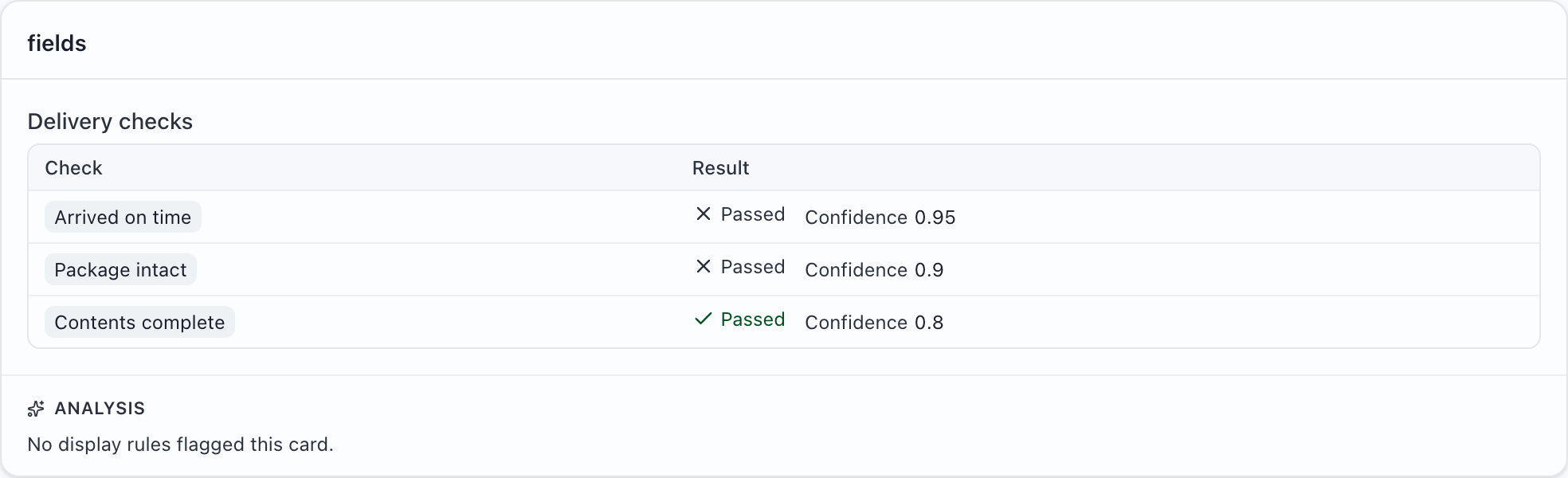
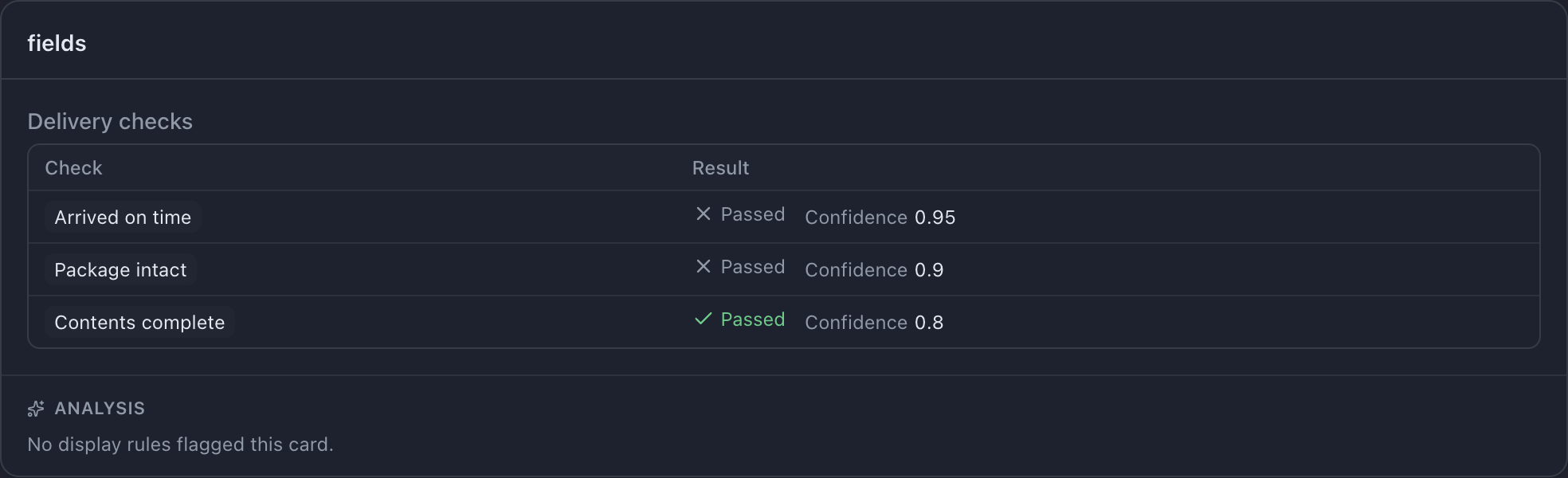
Try this example: download the complete configuration and sample CSV. Open the configuration in MLabel, then load the CSV.
View the complete configuration
{ "$schema": "https://mlabel.vlad.gg/mlabel.schema.json", "version": 2, "network": { "updateChecks": false, }, "input": { "fields": [ { "name": "checks", "type": "array", "display": { "title": "Delivery checks", "titlePosition": "above", }, "items": { "type": "object", "fields": [ { "name": "name", "type": "text", "display": "Check", }, { "name": "passed", "type": "boolean", "display": "Passed", }, { "name": "confidence", "type": "number", "display": "Confidence", }, ], "table": { "columns": [ { "name": "Check", "use": ["name"], }, { "name": "Result", "use": ["passed", "confidence"], "layout": "inline", }, ], }, }, }, ], }, "output": { "fields": [ { "name": "verdict", "type": "enum", "widget": "radio", "display": "Review decision", "choices": [ { "name": "pass", "display": "Pass", }, { "name": "fail", "display": "Fail", }, ], }, ], },}View the sample CSV
checks"[{""name"":""Arrived on time"",""passed"":false,""confidence"":0.95},{""name"":""Package intact"",""passed"":false,""confidence"":0.9},{""name"":""Contents complete"",""passed"":true,""confidence"":0.8}]"Configure it
Section titled “Configure it”Declare an input array whose items are objects. Each object becomes a row. Inside the item definition, table.columns chooses the columns and their contents.
The Result column puts passed and confidence together using layout: "inline". Use stack for one value per line or chips for separately outlined values. use names members of the object, such as passed, not top-level CSV columns.
The relevant setting is in input.fields.0. The download above includes the surrounding configuration.
{ "name": "checks", "type": "array", "display": { "title": "Delivery checks", "titlePosition": "above", }, "items": { "type": "object", "fields": [ { "name": "name", "type": "text", "display": "Check", }, { "name": "passed", "type": "boolean", "display": "Passed", }, { "name": "confidence", "type": "number", "display": "Confidence", }, ], "table": { "columns": [ { "name": "Check", "use": ["name"], }, { "name": "Result", "use": ["passed", "confidence"], "layout": "inline", }, ], }, },}Try it and check the result
Section titled “Try it and check the result”Load the sample and confirm that three checks appear as three table rows. The checks CSV cell holds a JSON array; use the downloadable CSV as a quoting example.
This table is read-only. Labelers answer the separate review decision; they do not edit the checks. Add an output field with a matching type and fill: { "kind": "copy" } if the checks must also be retained in the output.