
Save and resume
MLabel saves your position, record answers, and session answers automatically while you work. The Save button exports files; you do not need it to preserve a session. The saved session lives on this computer and is associated with the configuration path and input-file path.
Take a break
Section titled “Take a break”- Close MLabel without exporting if you need to keep partially entered answers.
- Keep the configuration and input file at their current paths.
- Later, open the same configuration and input file.
- Accept the resume prompt to restore your answers and position.
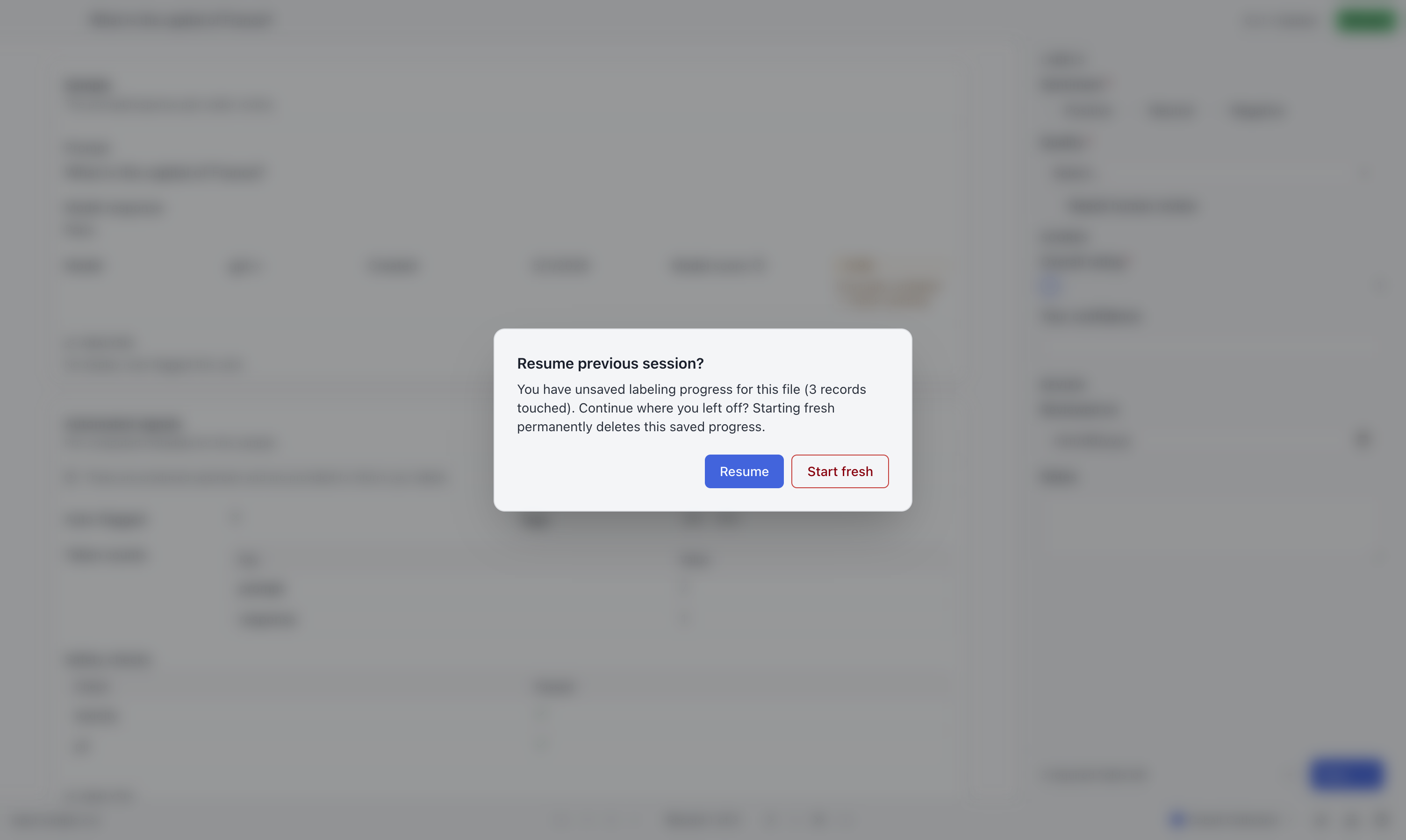
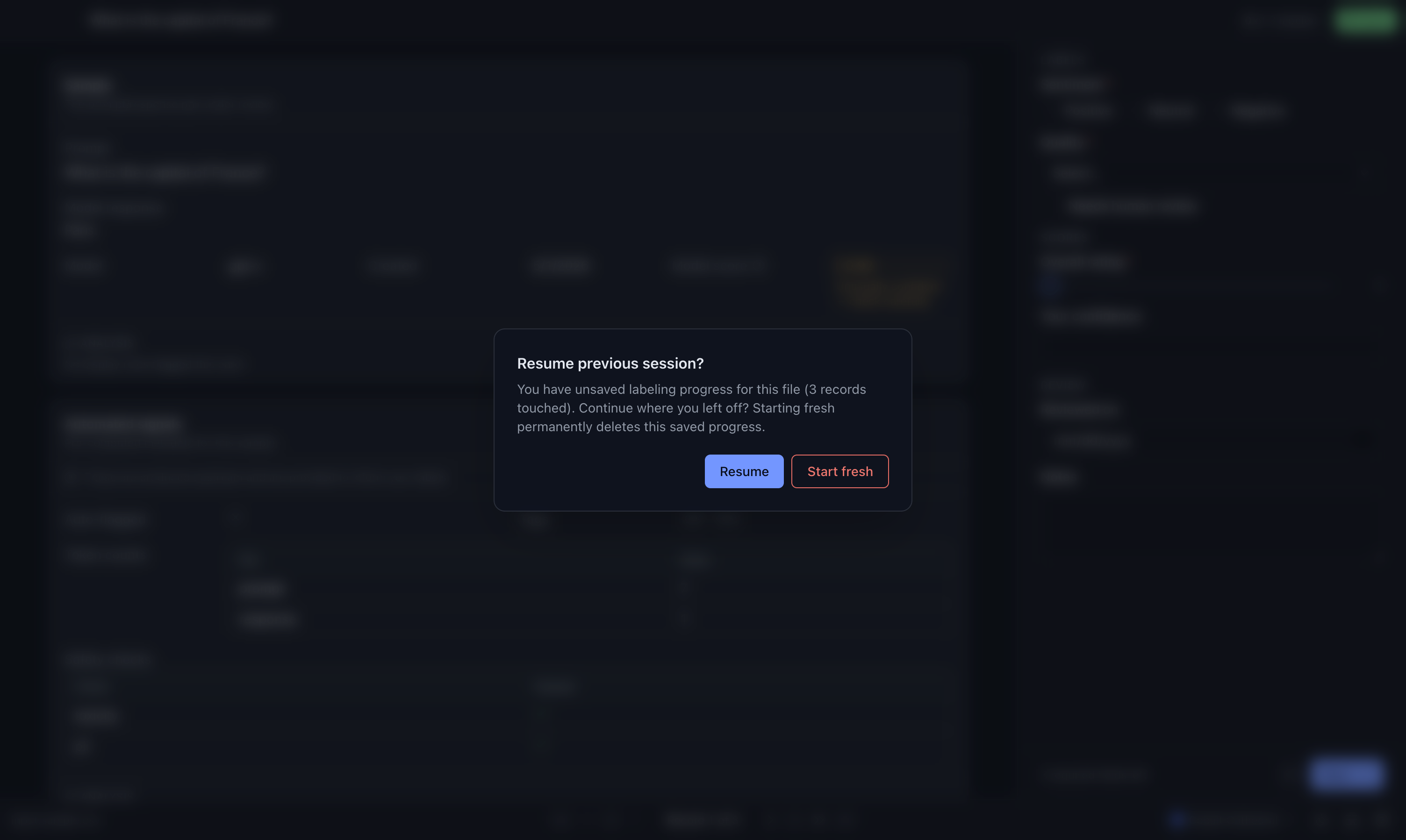
Only one saved session is kept at a time. Starting work on another file can replace it. Export completed work before changing assignments, and remember that remaining files do not carry partially entered labels.
“This file has changed”
Section titled ““This file has changed””The input file’s contents differ from the saved version. Labels are stored by row position; adding, removing, or reordering rows can attach restored answers to the wrong records.
If possible, restore the original input file before resuming. Otherwise ask the preparer how to recover the assignment. A byte-identical copy is not treated as changed merely because its modification date differs.
Exporting clears the session
Section titled “Exporting clears the session”A successful export clears the saved session. Finished answers are in the output file; unfinished source records are in the remaining file. Unfinished answers are not exported.
Keep editing keeps the current answers in memory. The next edit starts autosaving again. A failed export does not clear the saved session.
Inspect or clear a session
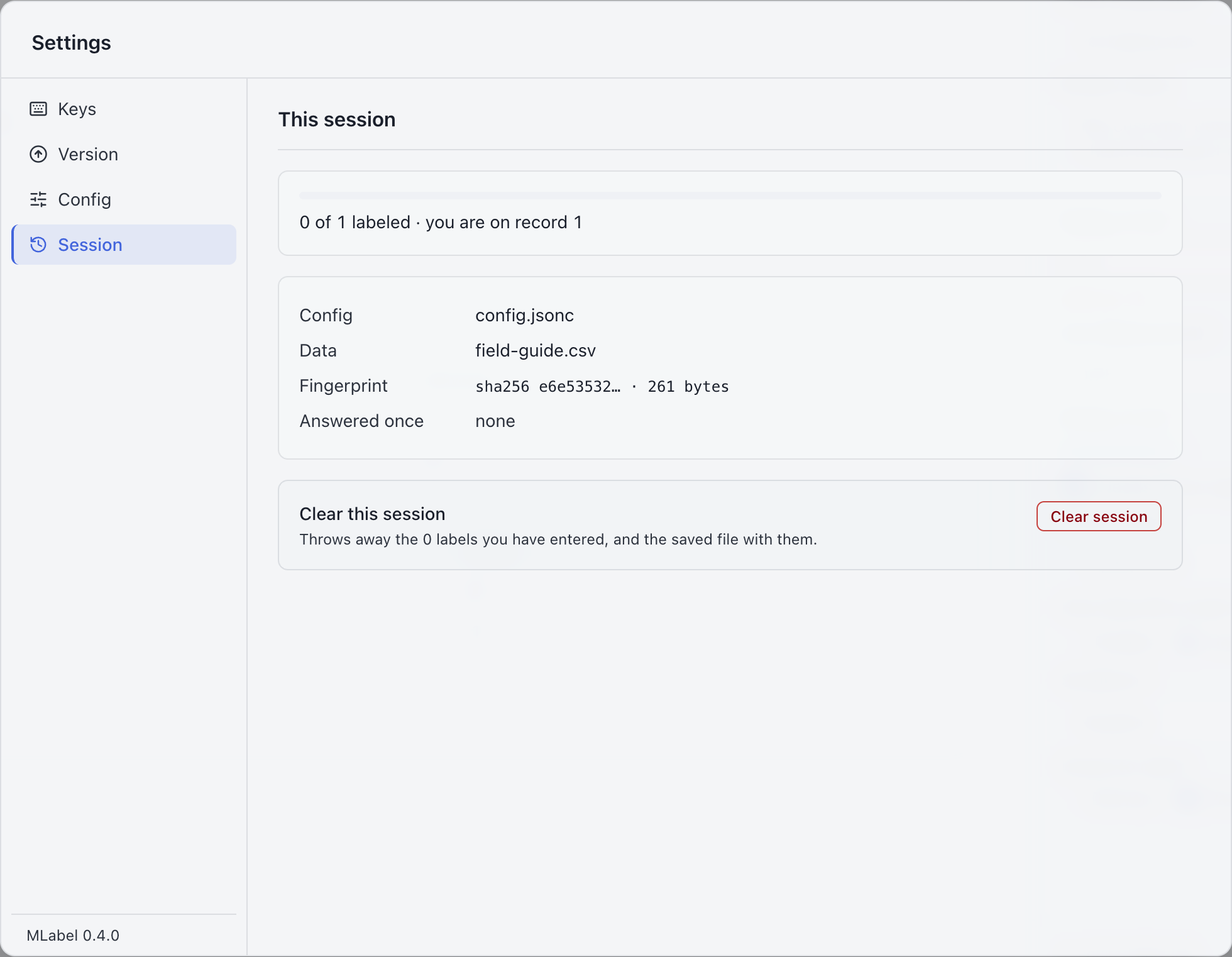
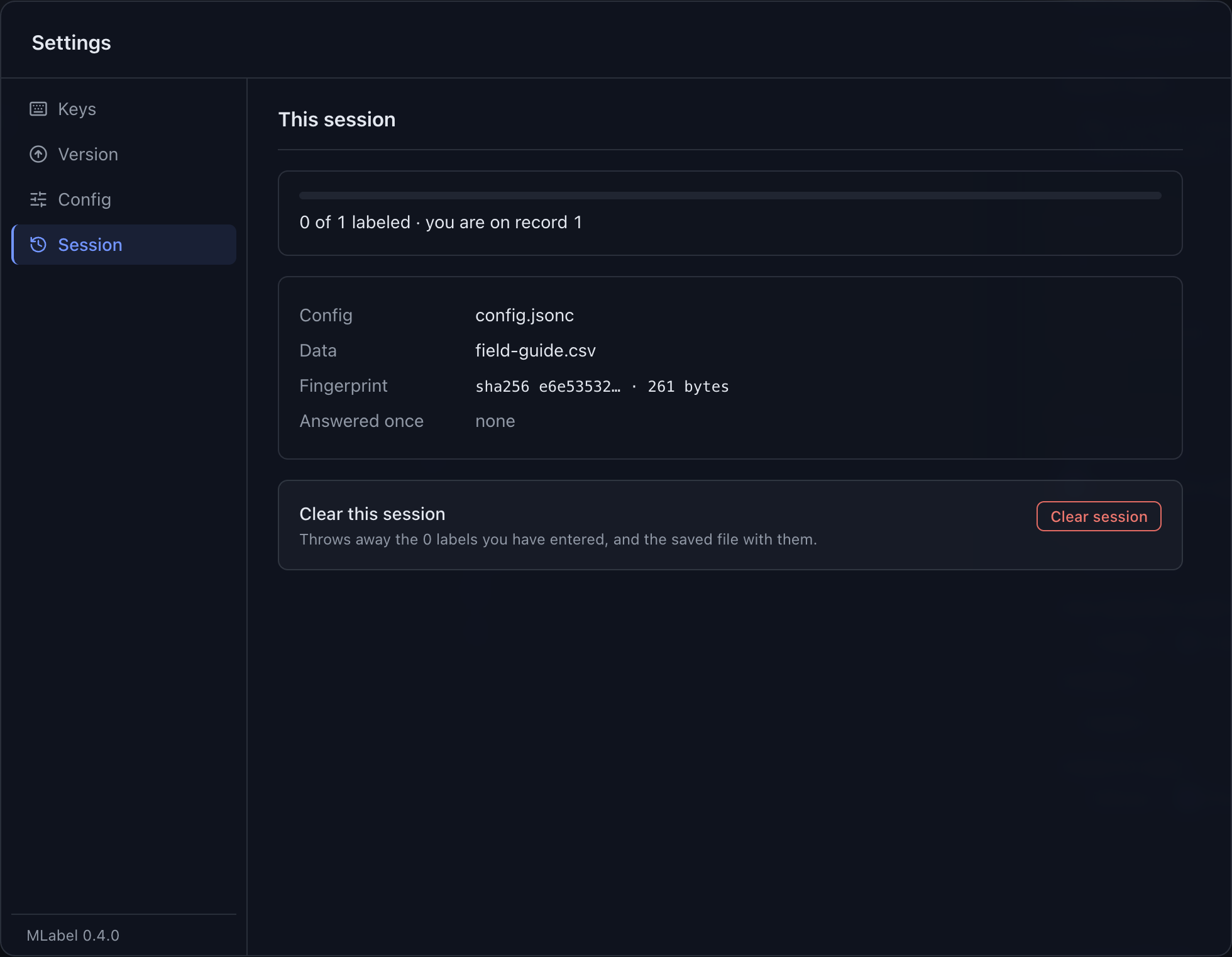
Section titled “Inspect or clear a session”Open Settings → Session to see the current files and progress. Clear session asks for confirmation, then discards the entered answers and saved session. It cannot be undone.
Where it lives
Section titled “Where it lives”| Platform | Saved session |
|---|---|
| macOS | ~/Library/Application Support/MLabel/session.json |
| Windows | %APPDATA%\MLabel\session.json |
Moving this file is not the normal handoff process. Use exports when returning work. Sessions with an incompatible saved-session format are discarded; this is separate from the application’s release number.