
Label and check answers
Read the source information, answer the questions in the form, then move to the next record. Your project decides which fields appear and which answers are required.
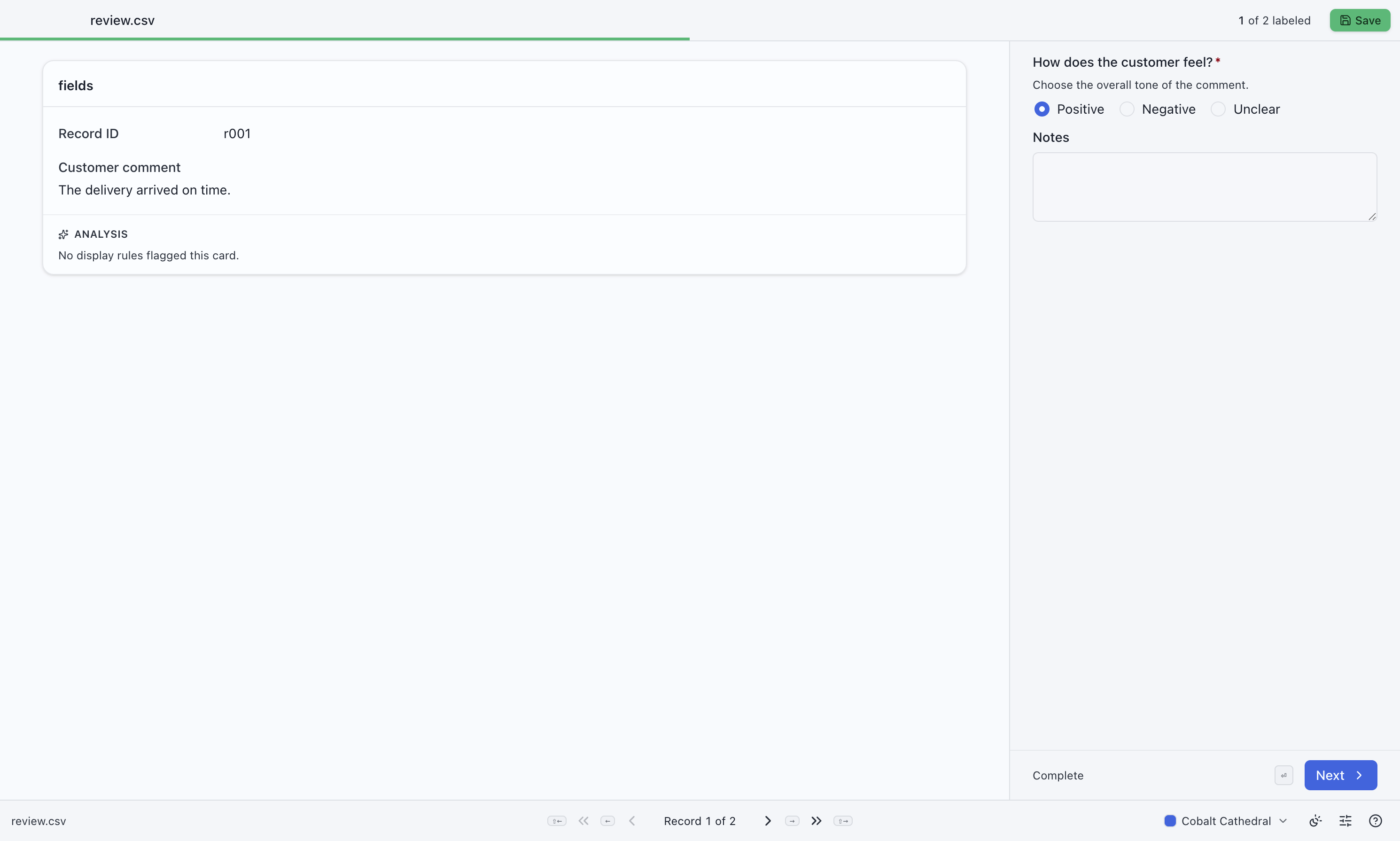
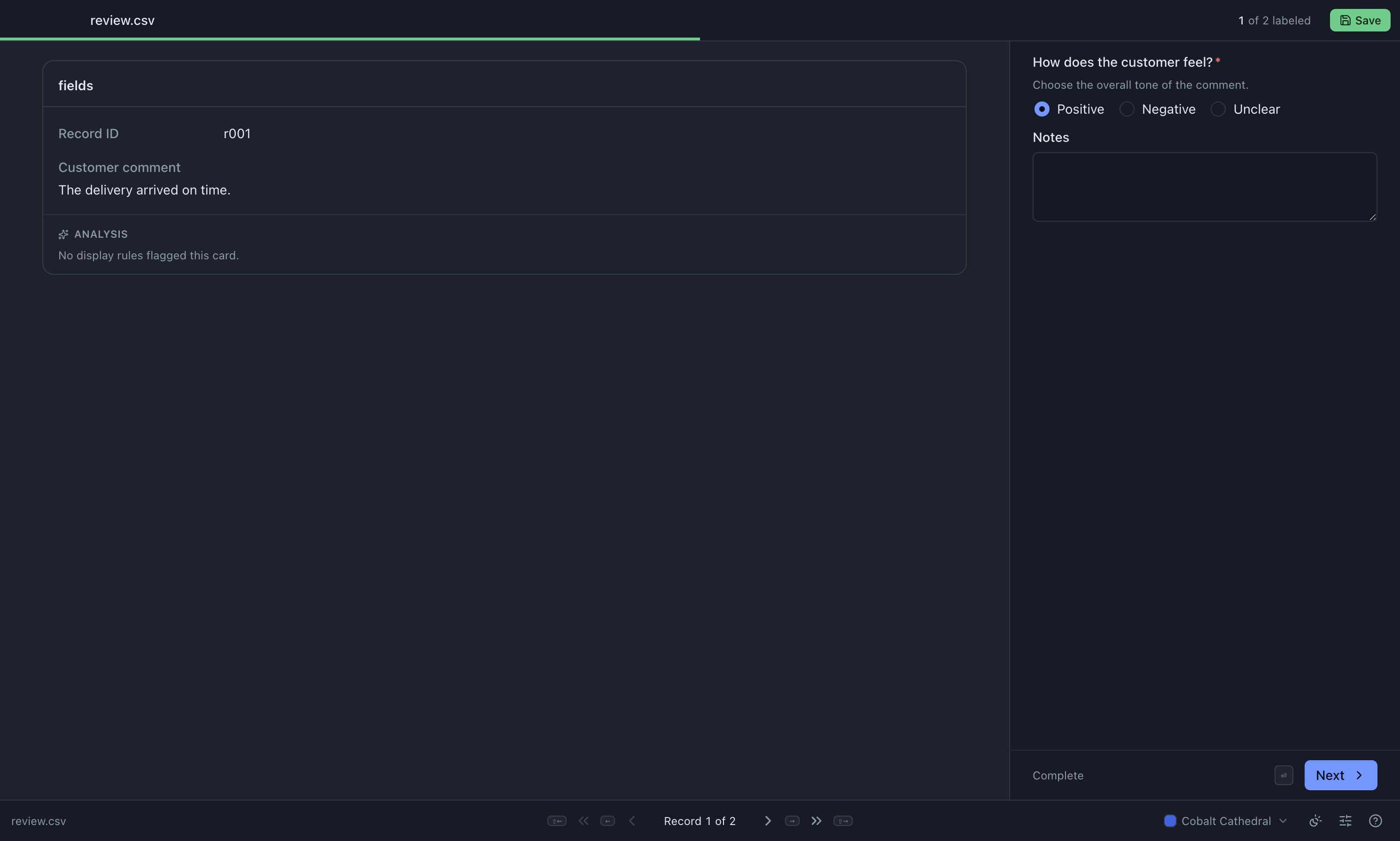
Recognize the answer controls
Section titled “Recognize the answer controls”

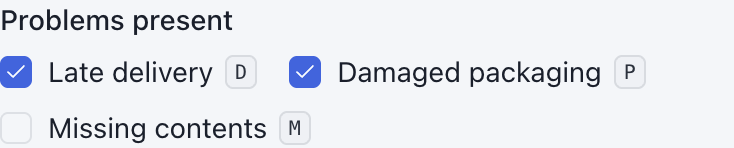
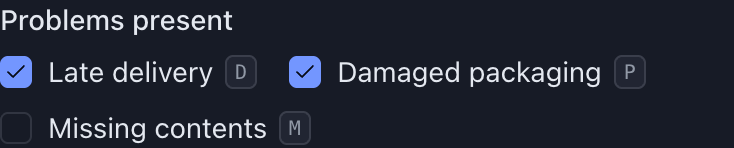
A dropdown also chooses one value. A text box accepts a short answer; a larger text area accepts notes. Required fields have an asterisk.
Answer a record
Section titled “Answer a record”- Read the source fields and any project instructions. Open a help icon for extra guidance.
- Fill in the required answers, marked with an asterisk. Add optional notes if useful.
- Correct any inline validation message.
- Select Next or press the next-record shortcut.
Answers are saved automatically while you work; you can return to an earlier record to revise them. A highlight on a source field is guidance from the project. It does not fill in an answer for you. See reading a record.
What “complete” means
Section titled “What “complete” means”A record is complete when its required output values are present and its supplied answers pass validation. Values copied from the source and session answers can also contribute to completion. You may not need to type into every field.
| Status | Meaning | On export |
|---|---|---|
| Unlabeled | No per-record answer has been entered | Source record goes to remaining |
| Partial | Work has started, but the record is not complete | Source record goes to remaining |
| Complete | Required values and validation checks pass | Finished record goes to output |
Answering the setup questions alone does not make every record count as started.
Validation messages
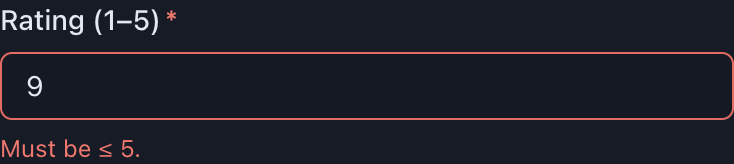
Section titled “Validation messages”A field can reject an answer that is too long, outside a numeric range, or otherwise outside the project’s rules. The message appears beside the field. You can move on and return later, but resolve the error before expecting that record in the finished output.
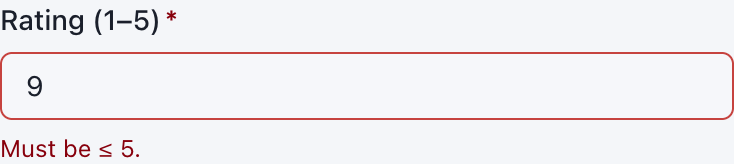
A warning beside a source value is different: it means MLabel could not read that cell as the expected type. You cannot edit source data here. Follow the project guidance or ask your administrator if it prevents a judgment.
Moving between records
Section titled “Moving between records”Use Previous and Next, or the default keys below. Your Settings may assign different keys; press ? to see the bindings currently in use.
| Default key | Action |
|---|---|
| Right arrow or Enter | Next record |
| Left arrow | Previous record |
| Shift + Right arrow | Next unfinished record |
| Shift + Left arrow | Previous unfinished record |
Text boxes, dropdowns, and other controls keep the keys they need while you are interacting with them. For example, Enter in a multiline notes box starts a new line. See keyboard shortcuts.
Stop or finish
Section titled “Stop or finish”- Taking a break: close the app, then resume the same files later.
- Returning work: select Save to export the finished and remaining records.
Exporting is not the same as saving a session: unfinished answers are not included in the remaining file, and a successful export clears the saved session.