
MLabel documentation
MLabel helps you read one record at a time, enter your judgment, and save the results as a file. Your data and labels stay on your computer. A project configuration determines what you see and which questions you answer.
What do you need to do?
Section titled “What do you need to do?”You can take more than one role. If you are working alone, start with creating a project, then follow the labeling guide.
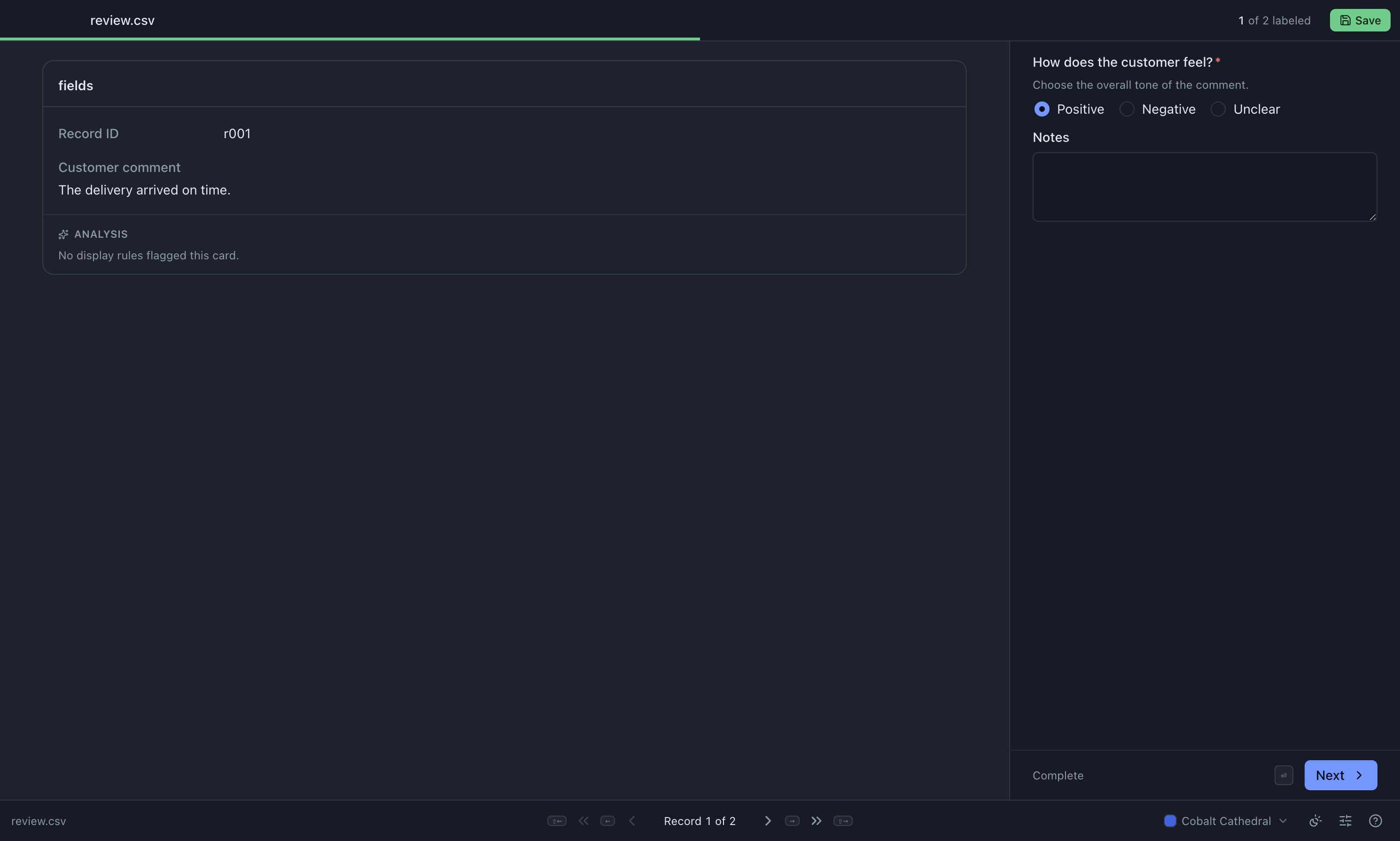
The labeling screen
Section titled “The labeling screen”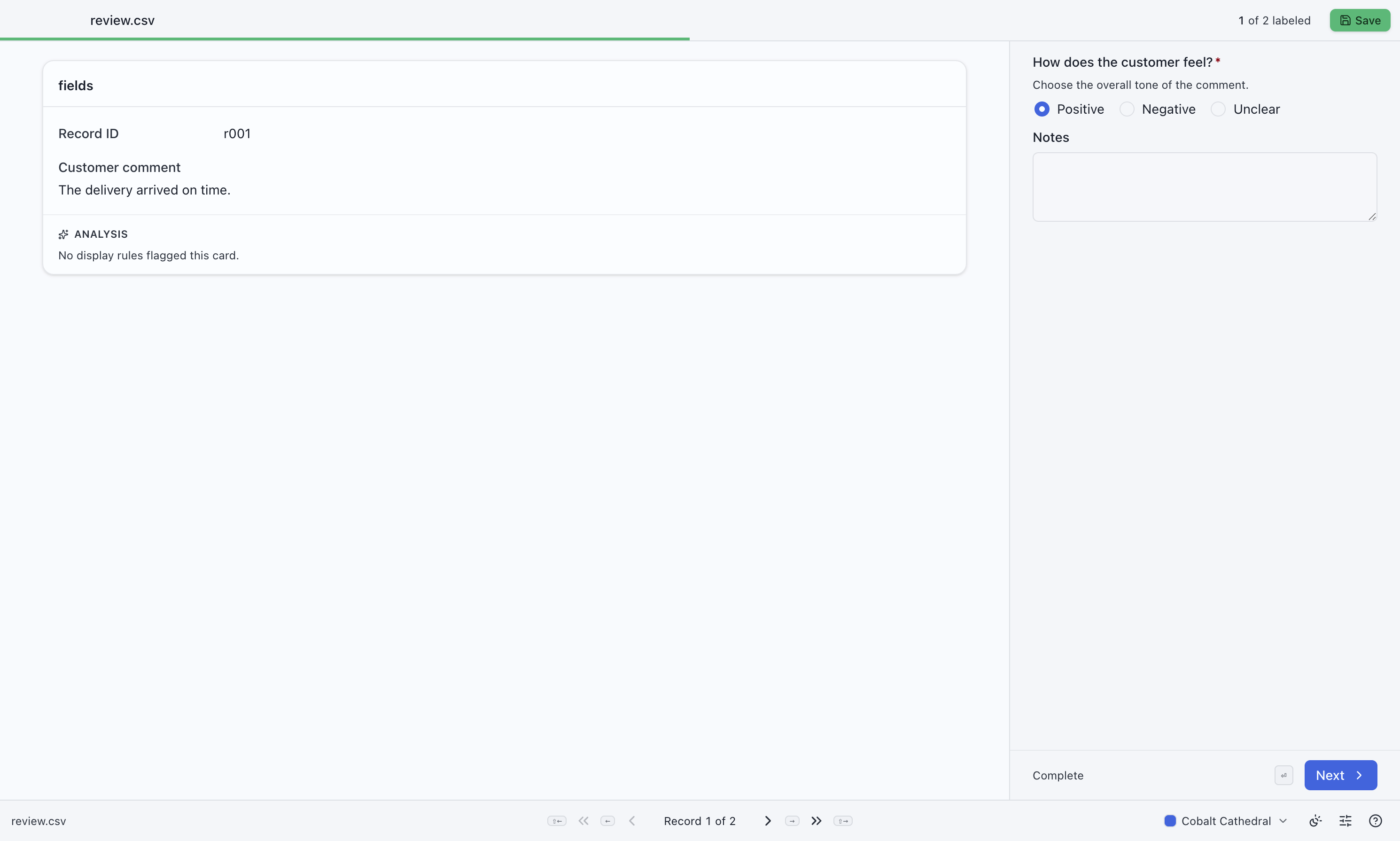
Designing a project? Start with the form
Section titled “Designing a project? Start with the form”Choose controls that match the decisions your labelers need to make. Each preview links to its configuration.
One answer


Use radio buttons for a short list of choices.
Several answers


Use checkboxes when more than one option can apply.
A rating


Use a slider for a score with a defined range.
An explanation

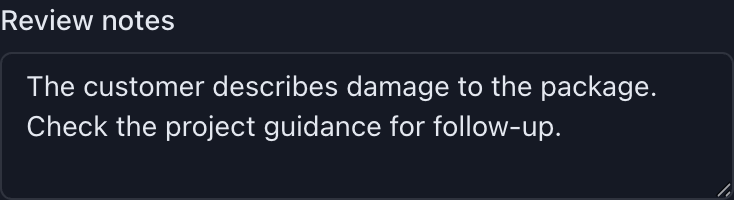
Use a text area for notes and longer answers.
Browse the illustrated cookbook and runnable examples →
How the files fit together
Section titled “How the files fit together”| File | What it is for | Who supplies it |
|---|---|---|
Project configuration (.jsonc) |
Defines the source columns, questions, and exported columns | Administrator |
Input data (.csv) |
The records to label | Preparer |
*-output.csv |
Finished records and their labels | MLabel, when you select Save |
*-remaining.csv |
Unfinished source records, ready for another pass | MLabel, when unfinished records remain |
A saved session is separate from these files. It lets you resume unfinished answers on the same computer; a remaining file contains the source records, not partially entered labels. See saving and resuming.
Using version 0.4.0
Section titled “Using version 0.4.0”These guides cover 0.4.0, including Settings, personal keyboard shortcuts, and display-rule notes. Administrators can use the configuration tutorial, visual field guide, and full schema reference.