
Read the source information
Source fields are the evidence for your judgment. They are read-only. Enter answers in the separate form, using your project’s labeling instructions.
Cards and rows
Section titled “Cards and rows”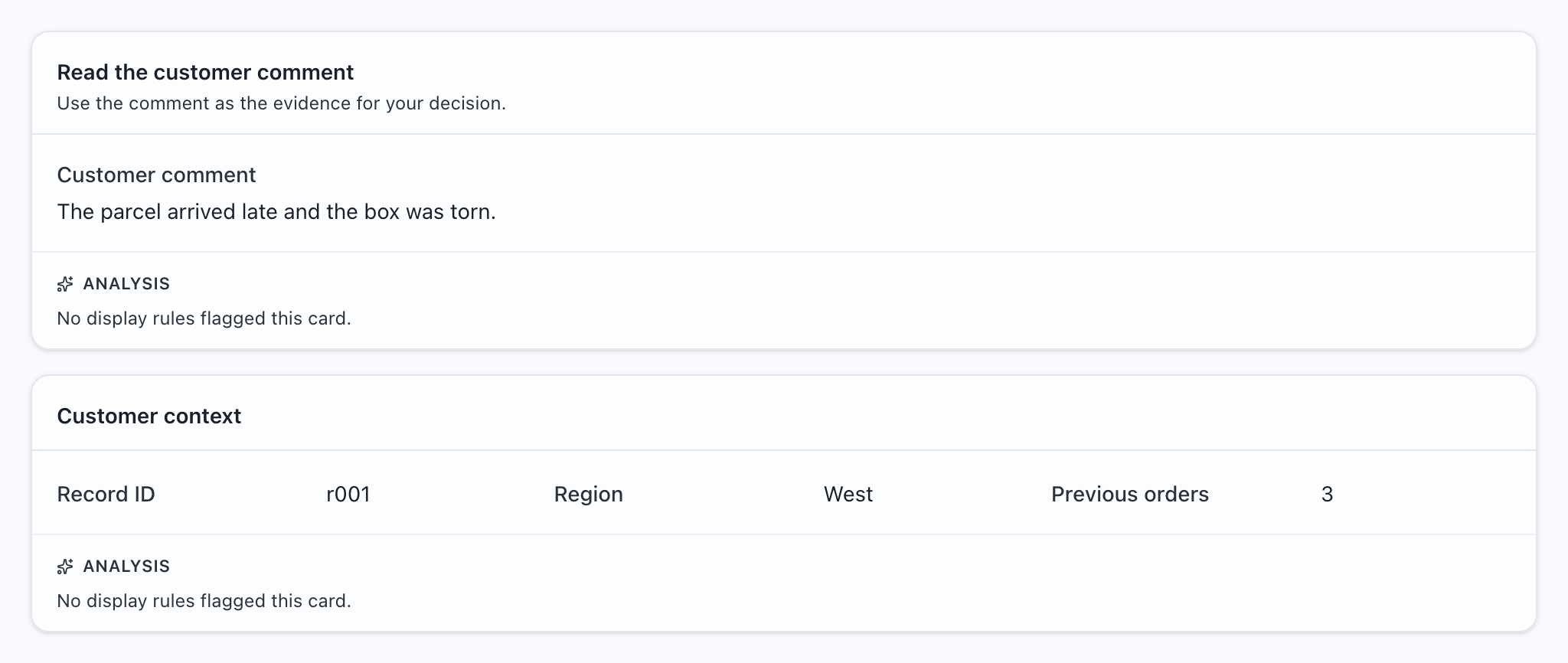
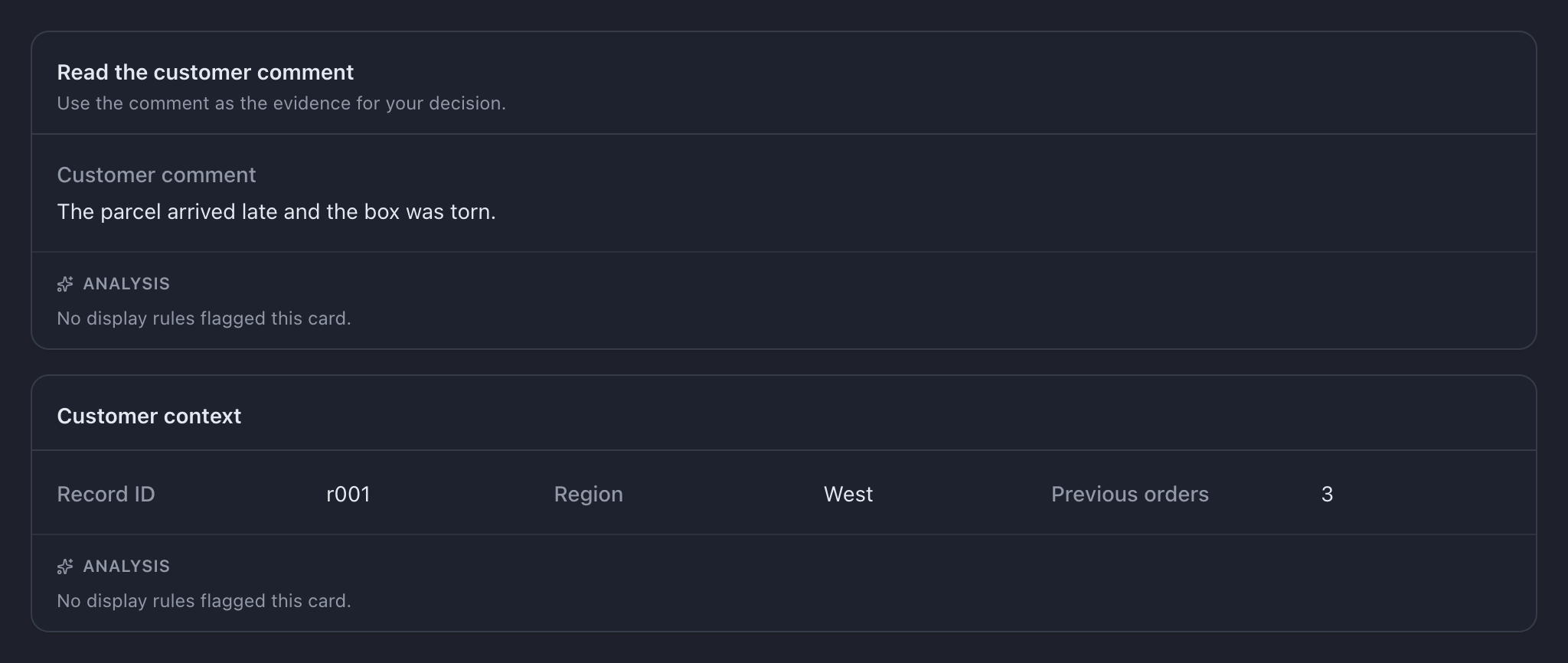
Read any description under a heading. Select a question-mark Help button for longer instructions; it opens on click or keyboard activation.
Simple values
Section titled “Simple values”Text, numbers, dates, and single choices appear beside or below a caption. Boolean values appear as yes/no marks. A date with no displayed time represents a calendar date; date-time values are displayed in UTC.
Lists and dictionaries
Section titled “Lists and dictionaries”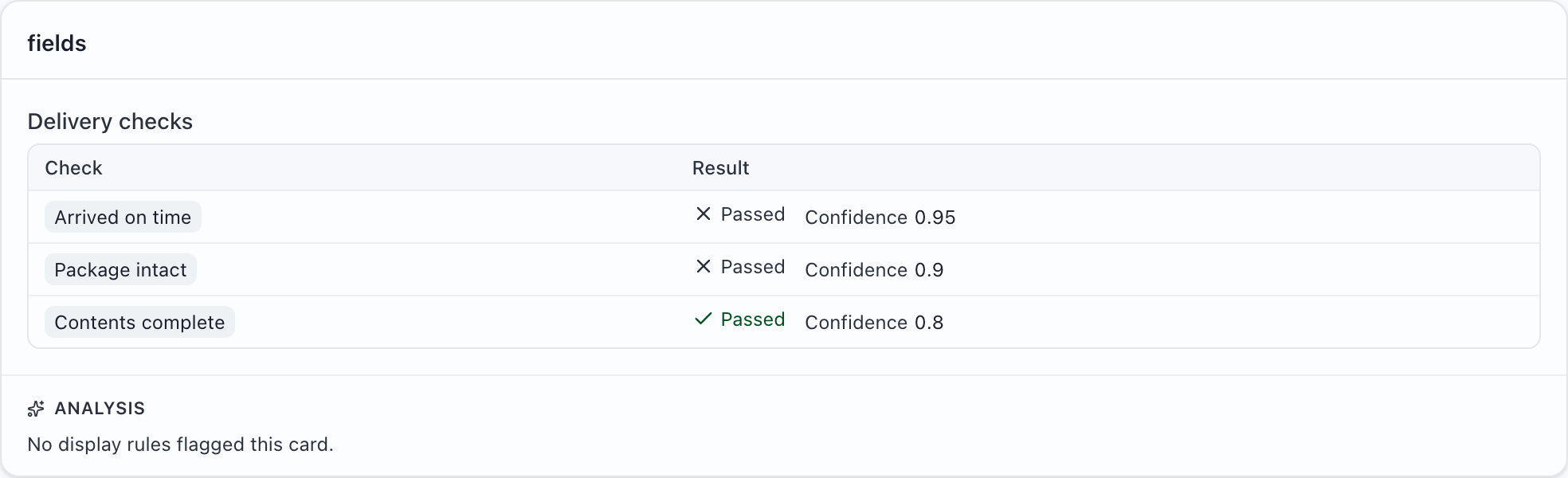
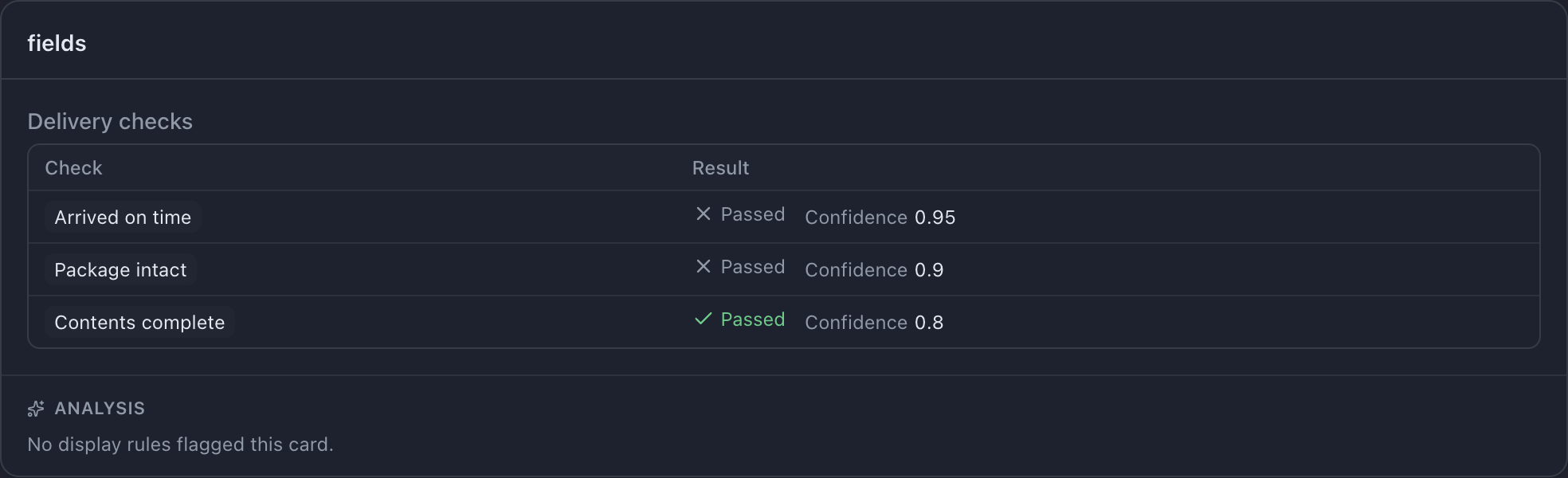
Simple lists appear as separate entries. Lists of objects become tables. A dictionary has a key for each entry, such as the reviewer’s name:
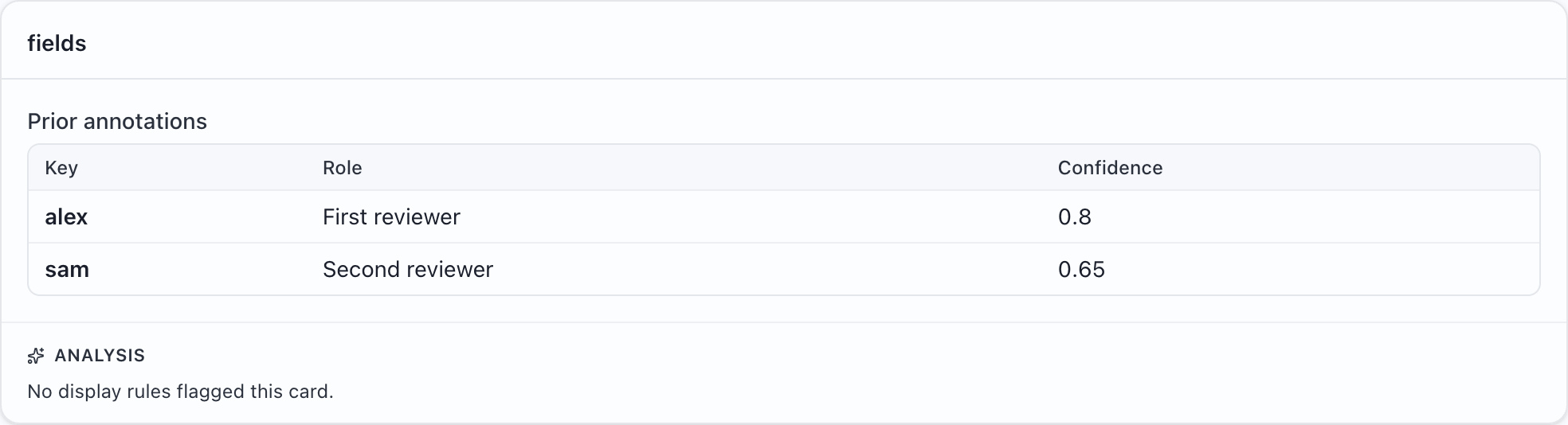
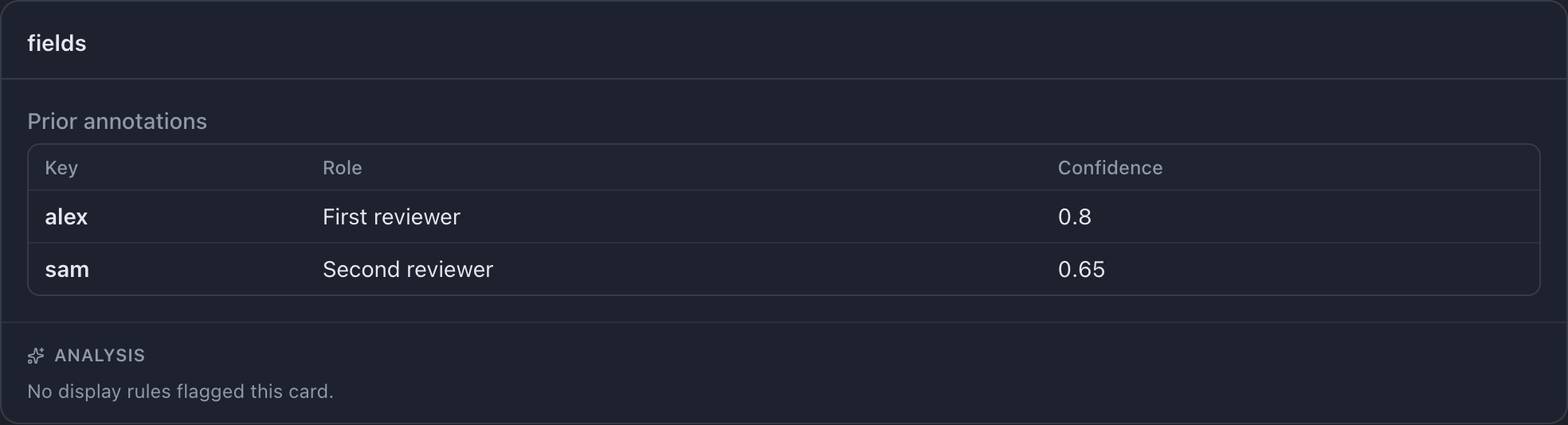
These are source values, not editable spreadsheet cells.
Coloured notes
Section titled “Coloured notes”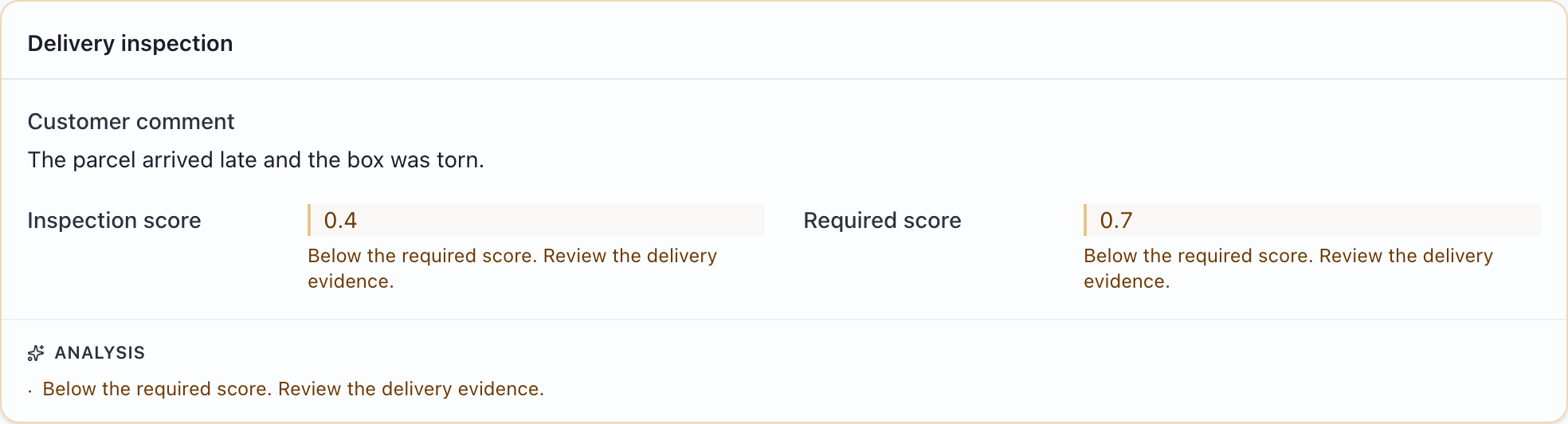
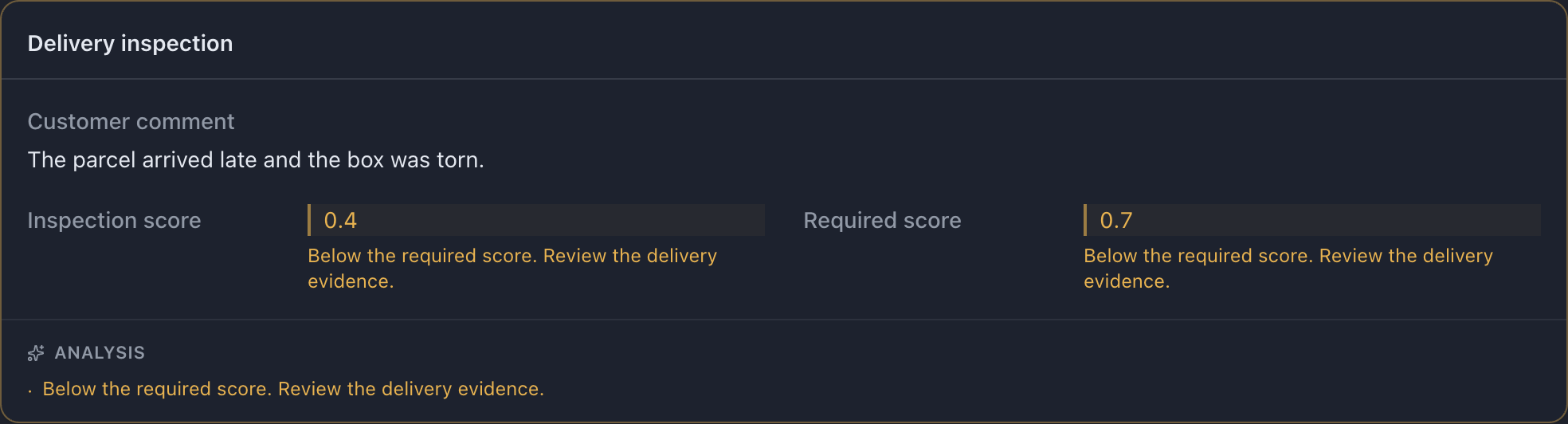
A colored note is guidance configured by the administrator. It can draw attention to an unusual value or a comparison. It does not fill in your answer. Apply your project’s instructions, including how to handle a note you disagree with.
Notes on a whole card
Section titled “Notes on a whole card”The Analysis footer collects notes about a card. A message such as “No display rules flagged this card” means no configured rule matched; it is not a guarantee that the record is correct.
Notes on rows of a list
Section titled “Notes on rows of a list”

Values that could not be read
Section titled “Values that could not be read”A warning icon beside a source caption means MLabel could not read the cell as the expected type. Open or focus the warning for its explanation. You cannot correct the source value in the answer form.
If it prevents a reliable judgment, follow the project instructions or contact the preparer. Do not infer the missing value from the warning color. Troubleshooting.
The window title
Section titled “The window title”The title may show the project name or a value from the current record. If it shows a record ID, include that ID when reporting an unclear example.