
Read and export semicolon-separated files
Use a source file from a spreadsheet or pipeline that separates columns with semicolons.
What the labeler sees
Section titled “What the labeler sees”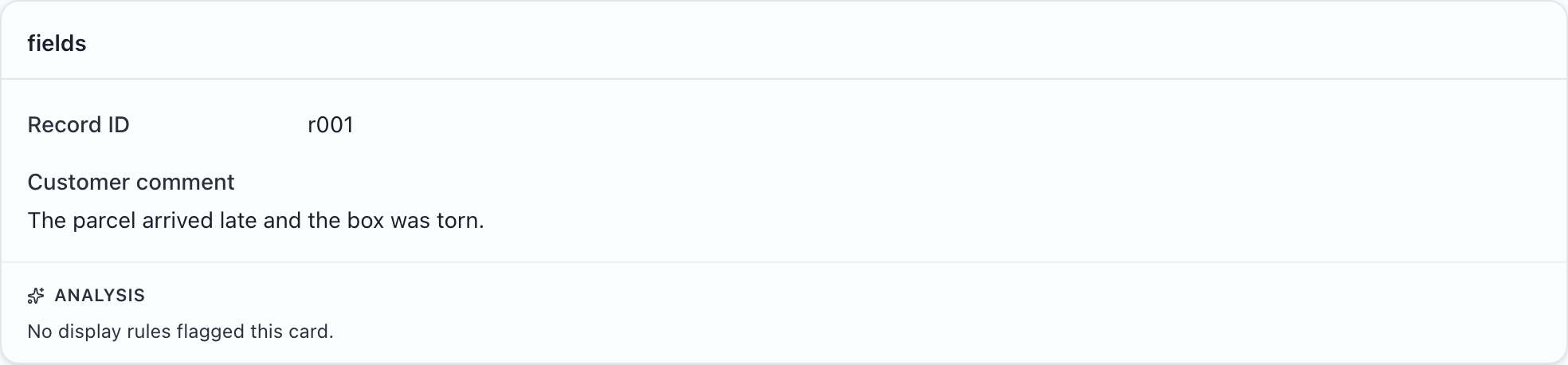
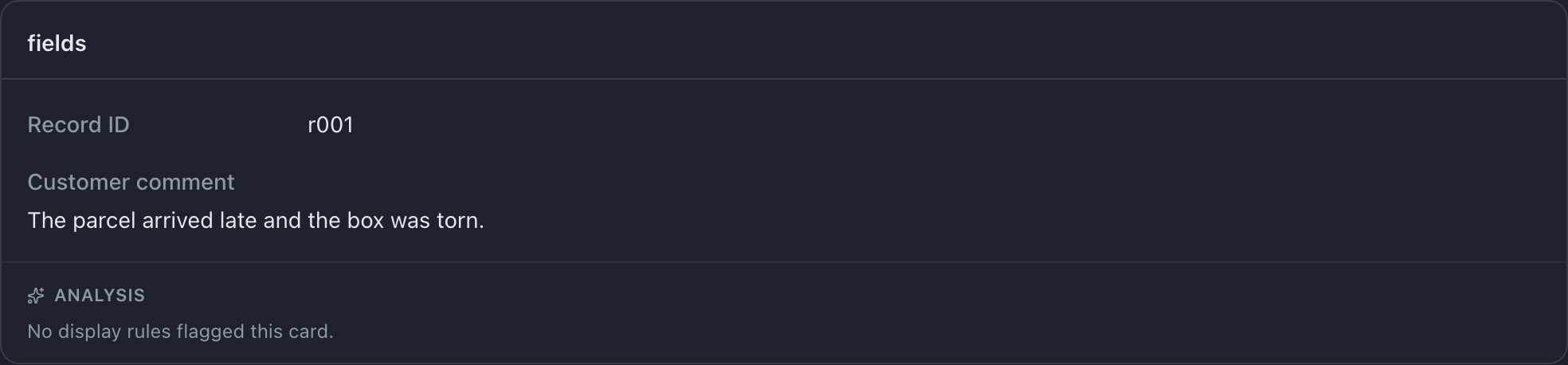
Try this example: download the complete configuration and sample CSV. Open the configuration in MLabel, then load the CSV.
View the complete configuration
{ "$schema": "https://mlabel.vlad.gg/mlabel.schema.json", "version": 2, "network": { "updateChecks": false, }, "input": { "fields": [ { "name": "id", "type": "text", "display": "Record ID", }, { "name": "comment", "type": "text", "display": { "title": "Customer comment", "titlePosition": "above", }, }, ], "adapterConfig": { "delimiter": ";", }, }, "output": { "fields": [ { "name": "id", "type": "text", "fill": { "kind": "copy", }, }, { "name": "verdict", "type": "enum", "widget": "radio", "display": "Review decision", "choices": [ { "name": "pass", "display": "Pass", }, { "name": "fail", "display": "Fail", }, ], }, ], "adapterConfig": { "delimiter": ";", "newline": "\r\n", }, },}View the sample CSV
id;commentr001;The parcel arrived late and the box was torn.Configure it
Section titled “Configure it”Set delimiter independently for input and output. This example also chooses Windows-style line endings for output.
Delimiter settings change the file format, not the form. The downloaded sample begins with id;comment; MLabel still shows those as two separate fields.
The relevant setting is in input.adapterConfig and output.adapterConfig. The download above includes the surrounding configuration.
{ "input": { "adapterConfig": { "delimiter": ";", }, }, "output": { "adapterConfig": { "delimiter": ";", "newline": "\r\n", }, },}Try it and check the result
Section titled “Try it and check the result”Choose Pass and export. The output should contain:
id;verdictr001;passA remaining file preserves the input’s detected dialect. Changing the output delimiter does not convert remaining records to that delimiter.
If your file is shown as one large column, check that its actual separator matches input.adapterConfig.delimiter. More CSV settings →