
Ask once for reviewer details
Record the reviewer and guideline version once per file, alongside each completed record.
What the labeler sees
Section titled “What the labeler sees”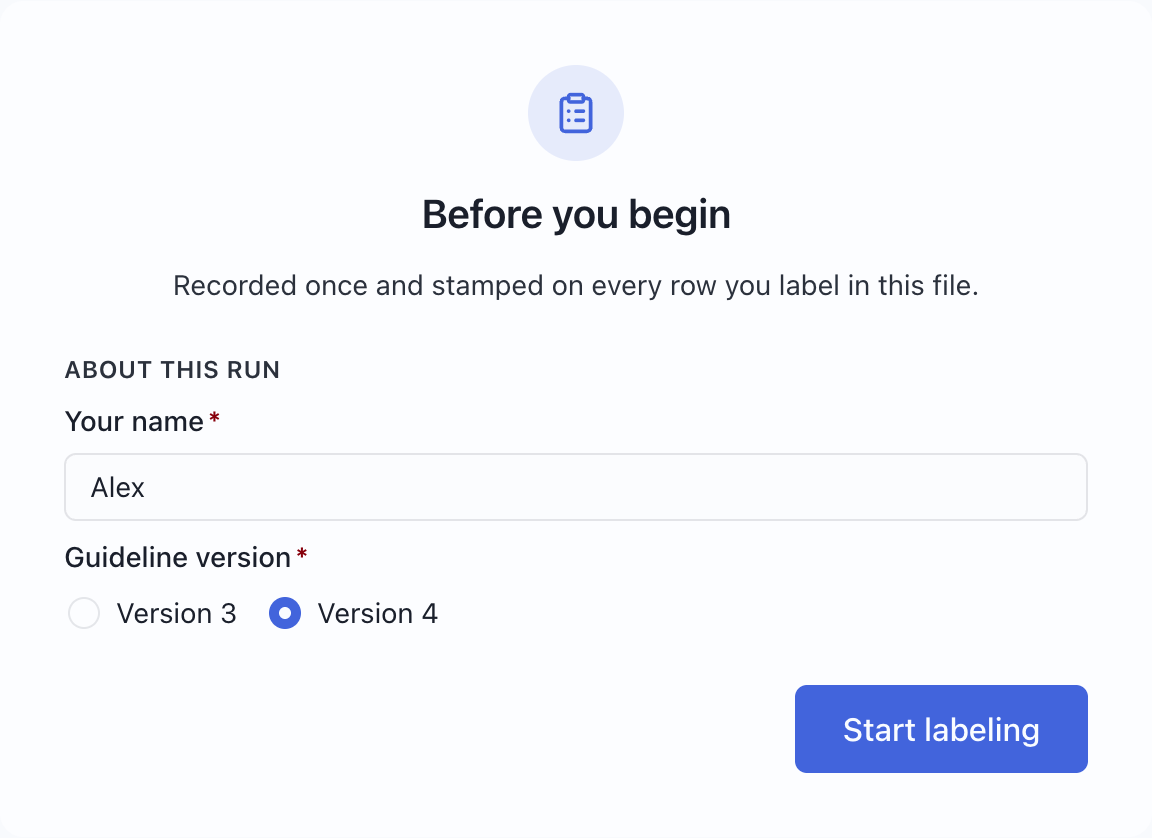
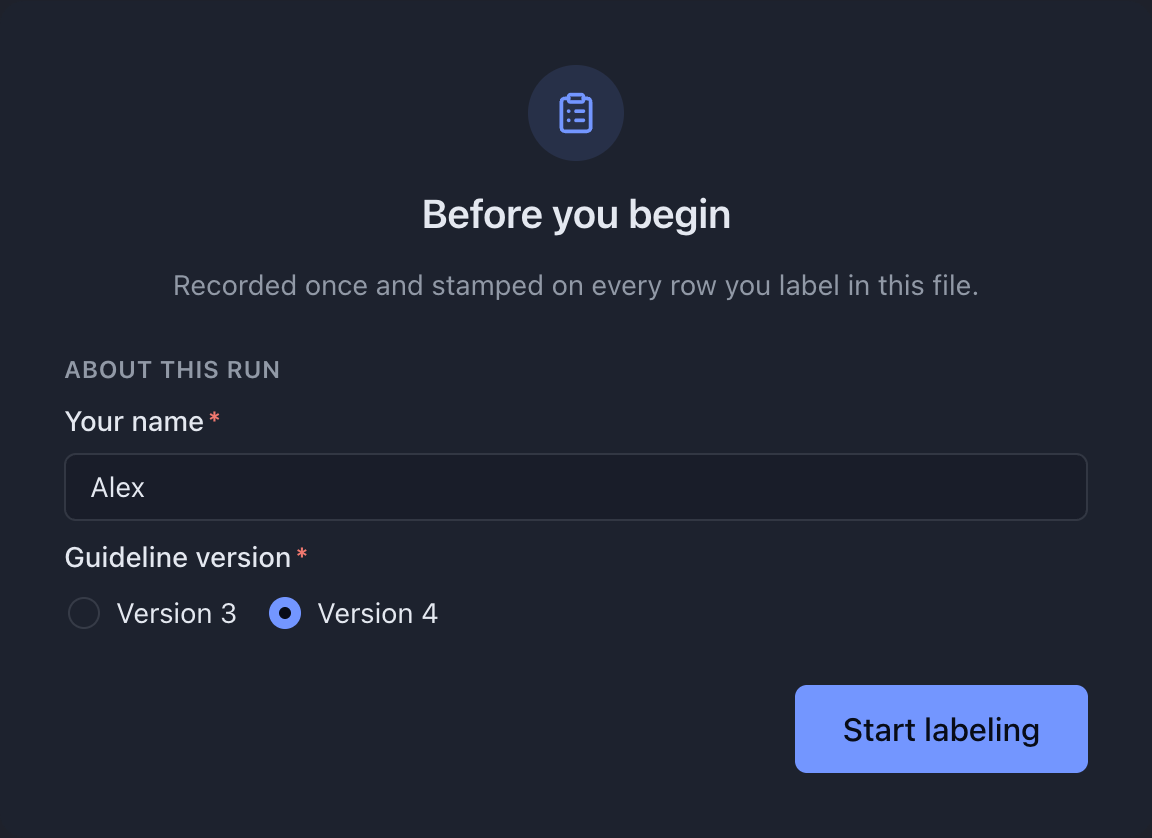
Try this example: download the complete configuration and sample CSV. Open the configuration in MLabel, then load the CSV.
View the complete configuration
{ "$schema": "https://mlabel.vlad.gg/mlabel.schema.json", "version": 2, "network": { "updateChecks": false, }, "input": { "fields": [ { "name": "id", "type": "text", "display": "Record ID", }, { "name": "comment", "type": "text", "display": { "title": "Customer comment", "titlePosition": "above", }, }, ], }, "output": { "fields": [ { "name": "id", "type": "text", "fill": { "kind": "copy", }, }, { "name": "verdict", "type": "enum", "widget": "radio", "display": "Review decision", "choices": [ { "name": "pass", "display": "Pass", }, { "name": "fail", "display": "Fail", }, ], }, { "name": "annotator", "type": "text", "display": "Your name", "fill": { "kind": "session", }, }, { "name": "guidelines", "type": "enum", "widget": "radio", "display": "Guideline version", "choices": [ { "name": "v3", "display": "Version 3", }, { "name": "v4", "display": "Version 4", }, ], "fill": { "kind": "session", }, }, { "name": "labeledAt", "type": "date", "fill": { "kind": "timestamp", }, }, ], "cards": [ { "name": "run", "scope": "session", "display": "About this run", "rows": [ { "use": ["annotator"], }, { "use": ["guidelines"], }, ], }, { "name": "labels", "display": "Review", "rows": [ { "use": ["verdict"], }, ], }, ], },}View the sample CSV
id,commentr001,The parcel arrived late and the box was torn.Configure it
Section titled “Configure it”Use fill.kind: "session" for questions about the whole assignment. Put them in a card with scope: "session" when declaring cards. Keep the per-record decision in a separate record card.
id is copied from the source. labeledAt is supplied automatically when a record becomes complete; later edits to a complete record update it. Neither needs a control.
These entries go inside output. Keep the copied ID and per-record decision from the complete download; this excerpt focuses on setup and timestamp fields.
"fields": [ { "name": "annotator", "type": "text", "display": "Your name", "fill": { "kind": "session" } }, { "name": "guidelines", "type": "enum", "widget": "radio", "display": "Guideline version", "fill": { "kind": "session" }, "choices": [ { "name": "v3", "display": "Version 3" }, { "name": "v4", "display": "Version 4" } ] }, { "name": "labeledAt", "type": "date", "fill": { "kind": "timestamp" } }],"cards": [ { "name": "run", "scope": "session", "display": "About this run", "rows": [{ "use": ["annotator"] }, { "use": ["guidelines"] }] }]Try it and check the result
Section titled “Try it and check the result”Enter Alex, choose Version 4, and select Start labeling. The record form asks only for the review decision:


Select Pass and export. Check for id, verdict, annotator, guidelines, and labeledAt. The sample produces r001, pass, Alex, v4, and a timestamp from your run.
Session answers are added to finished output rows. They are not added to the source records in a remaining file.