
Check returned work
Before joining files, check that they belong to the same project and configuration version. Keep the individual submissions until you have verified the combined result.
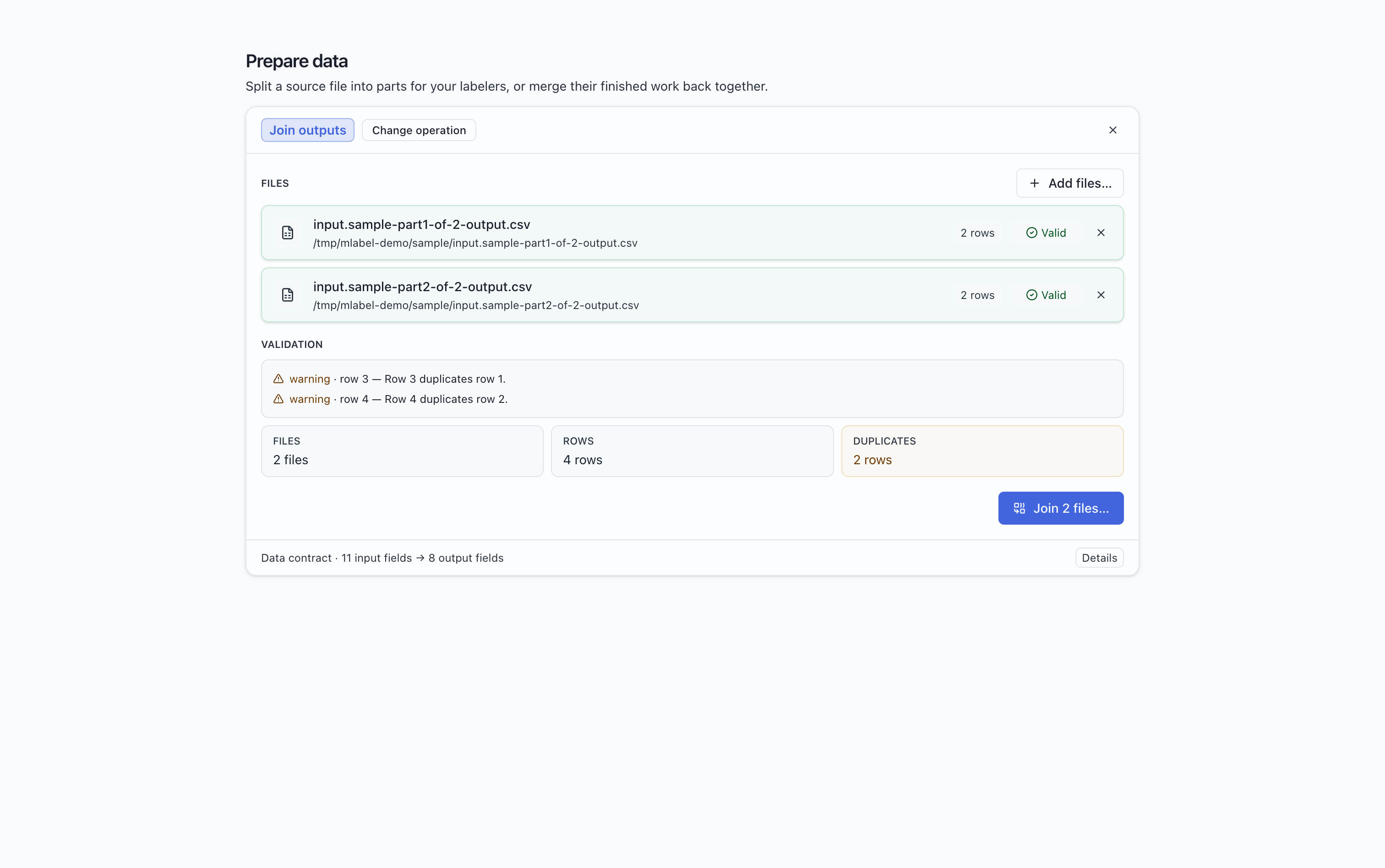
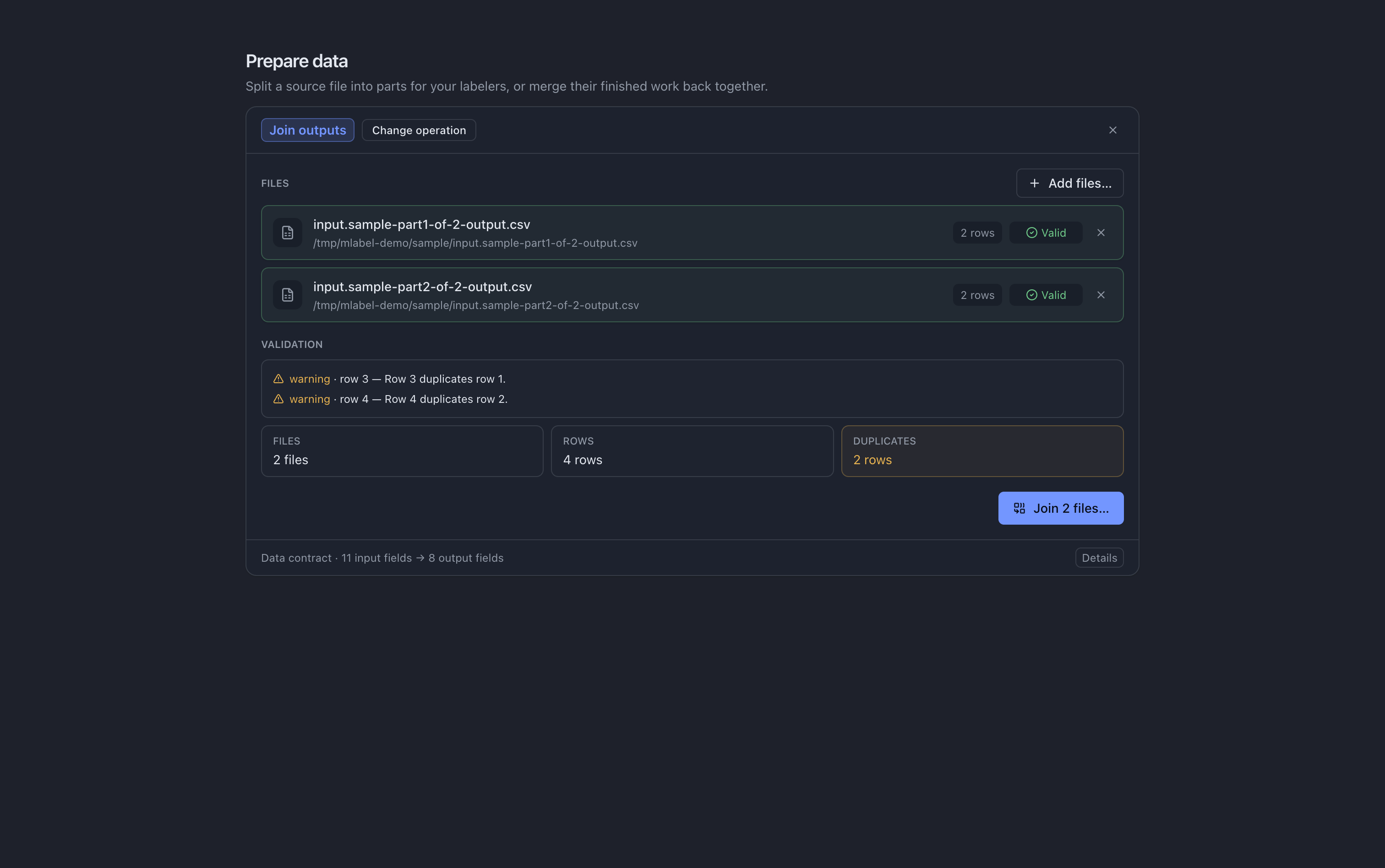
Account for every assigned record
Section titled “Account for every assigned record”For a batch of 100 source records, a return with 80 finished records should also include 20 remaining records. Count records with a CSV-aware tool; text containing newlines can span multiple physical lines. A missing remaining file is expected only when all assigned records are finished.
Resolve the reported problem
Section titled “Resolve the reported problem”| What you see | What to do |
|---|---|
| Headers differ, or appear in a different order | Check the configuration versions and whether output and remaining files were mixed. Ask the administrator about schema changes. |
| An output value fails validation | Read the file’s error message. Confirm it came from the agreed configuration; investigate manual edits or a changed required field. |
| A remaining-file value cannot be read | Review the warning. Remaining files preserve source values, so an existing source-data problem can appear here too. |
| Duplicate rows | Check for repeated submissions or overlapping batches. Do not assume every duplicate is an accidental resend. |
| Fewer returned records than assigned | Look for missing remaining files, missing batches, or files submitted under unexpected names. |
| The output file already exists | Choose a new destination or move the earlier export to an archive folder. |
Configuration changes during a project
Section titled “Configuration changes during a project”Do not combine old and new output schemas by rearranging headers alone. A column may have changed meaning, available choices, or type even when its name stayed the same. Ask the administrator to agree on a migration or a separate delivery.
Give unfinished work to another labeler
Section titled “Give unfinished work to another labeler”Join remaining files separately from output files. Then split the joined remaining file and distribute the new parts with the same configuration. Those files are input data for a new pass; partially entered answers from the previous labeler are not included.
What to report to the administrator
Section titled “What to report to the administrator”Include the configuration filename/version, affected batch names, the exact error text, and the record ID if available. Follow your project’s data-sharing rules when sending example rows or screenshots.