
Prepare and collect data
As a preparer, you manage the files moving between the source dataset and the labelers. You use Prepare mode to split and join files. The administrator supplies the configuration that defines the columns; you do not need to edit it to distribute work.
Before you start
Section titled “Before you start”Have a tested configuration, the source CSV, a list of labelers, and a place to track which batch each person receives. Keep an unchanged copy of the source file.
| Check | What to look for |
|---|---|
| Correct project | Use the same configuration version for splitting, labeling, and joining. |
| Column headers | Every declared input column is present; spelling and capitalization match. |
| Stable IDs | Ask the administrator to carry a record ID into the output so results can be matched to the source. |
| Representative sample | Open several records and check dates, lists, and unusual or empty cells. |
| Writable folder | Labelers need permission to write exports beside their input files. |
Send work out
Section titled “Send work out”- Load the configuration and choose Mode → Prepare.
- Drop one source file into the window.
- Confirm Split, choose the number of parts, and review the filenames and row counts.
- Run the split. Send each labeler a part, the matching configuration, and the labeling instructions.
- Record the part name, recipient, configuration version, and return status in your batch list.
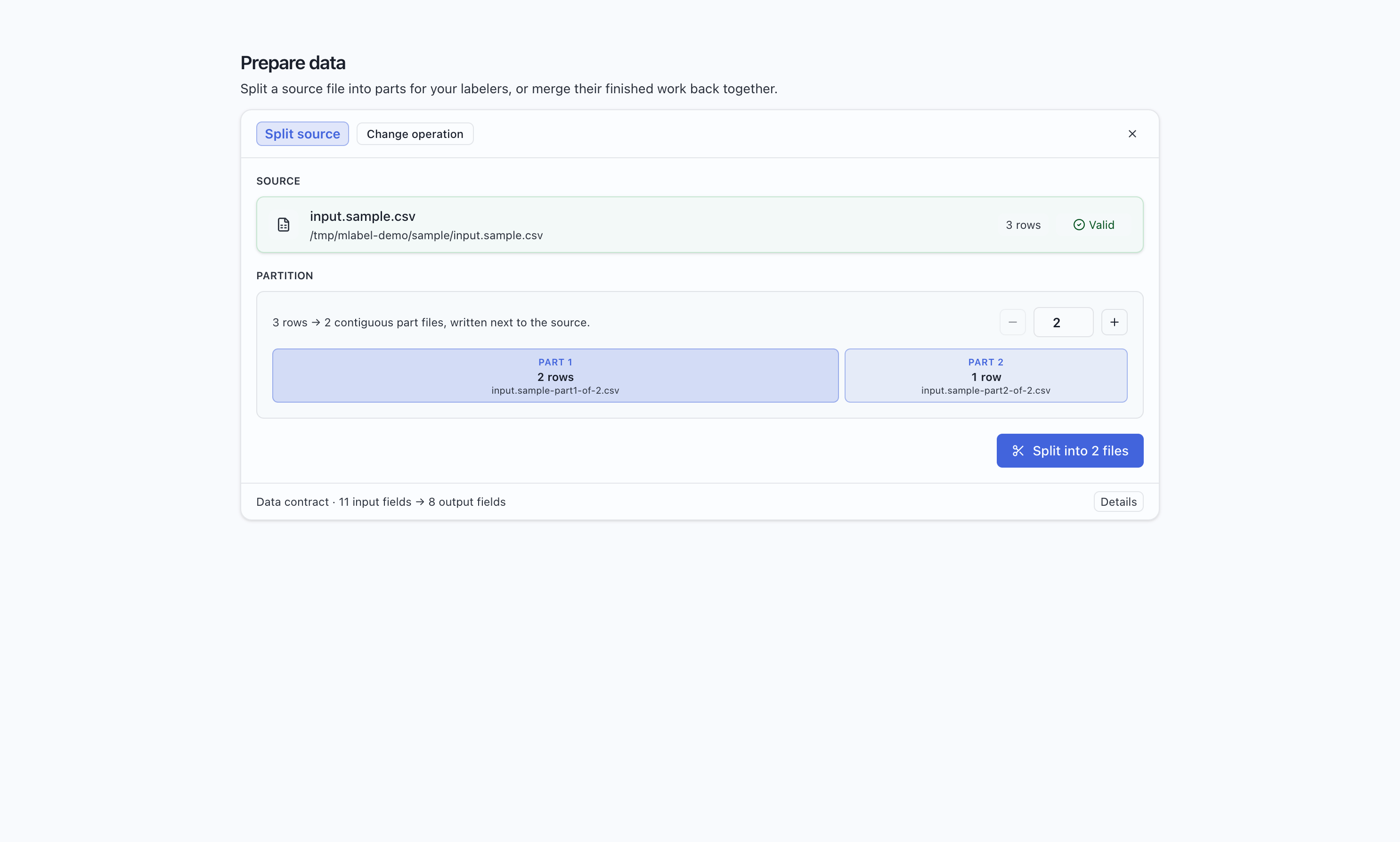
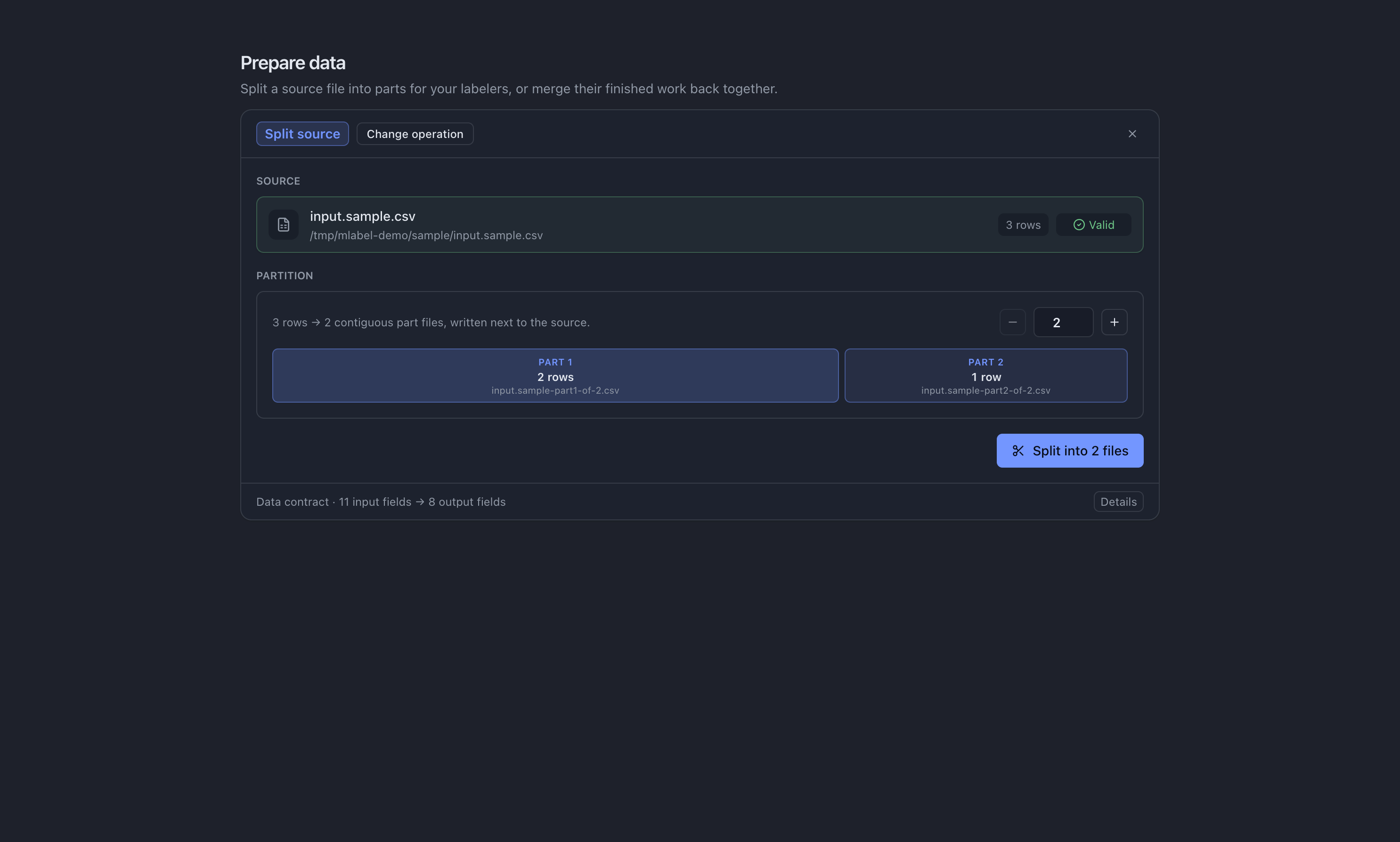
Use batches small enough to finish and return regularly. Split preserves record order; it does not randomize the dataset or create overlapping assignments for agreement checking.
Collect the results
Section titled “Collect the results”Ask each labeler for both *-output.csv and *-remaining.csv, if present. Keep the
received files together with their batch information.
- Drop the output files into Prepare together and confirm Join outputs.
- Resolve errors. Review duplicate warnings against your batch list before proceeding.
- Save the joined output under a new filename.
- Separately join remaining files, then split or reassign them for another labeling pass.
See the full split and join instructions →
Choose the next guide
Section titled “Choose the next guide”| Task | Guide |
|---|---|
| Use the split/join controls | Split and join files |
| Keep an assignment register | Manage batches |
| Resolve errors and missing submissions | Check returned work |
Check that everything came back
Section titled “Check that everything came back”For each assignment, finished records plus remaining records should account for the input records. Investigate missing batches, repeat submissions, and unexpected counts before using the combined dataset. A duplicate warning is a prompt to review the files; it does not decide which person’s judgment to keep.
Remaining files contain original source values, not the labeler’s unfinished answers. If somebody needs to continue their partial answers, have them resume their saved session on the original computer before exporting.