
Control update traffic
MLabel processes records and labels on the computer. Its network activity is limited to checking for and downloading its own releases. Your configuration can disable that activity.
Disable updates for a project
Section titled “Disable updates for a project”Set this at the top level:
"network": { "updateChecks": false }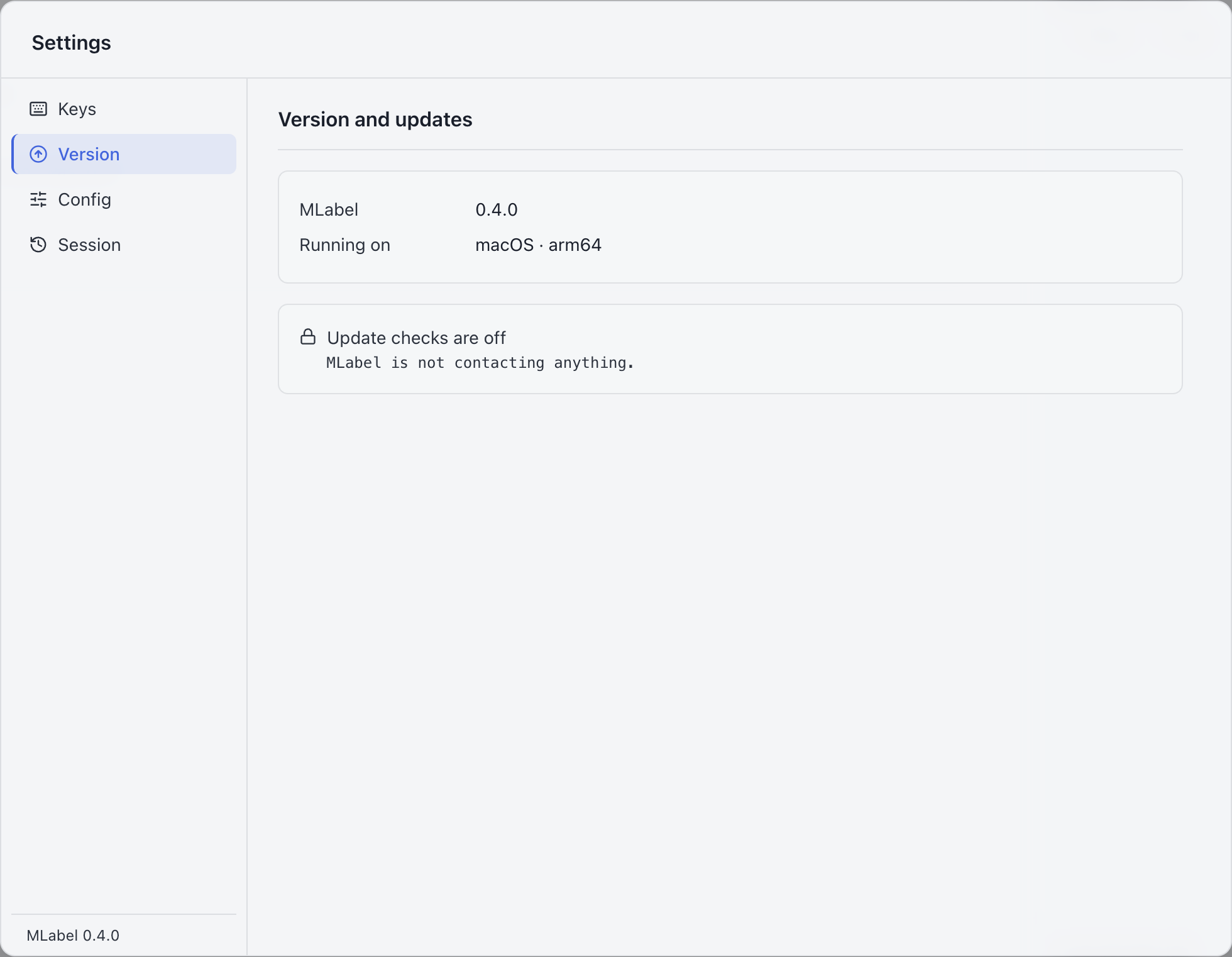
Run the complete offline example →
Decide which policy to use
Section titled “Decide which policy to use”| Project requirement | Setting | How to update later |
|---|---|---|
| Permit update checks | Omit network, or use updateChecks: true |
Through the app when the user also permits checks |
| Keep a fixed version or prevent app network requests | updateChecks: false |
Distribute an approved installer manually |
No remote request is permitted before a configuration loads. When a loaded configuration permits checks, the user’s saved update preference also applies. Turning that preference on cannot bypass a configuration that forbids updates.
What the labeler can change
Section titled “What the labeler can change”When permitted by the config, Settings → Network shows update activity and a personal update preference. The activity log covers the current launch and is not saved as a permanent audit log. The Network section is hidden when the config forbids updates.
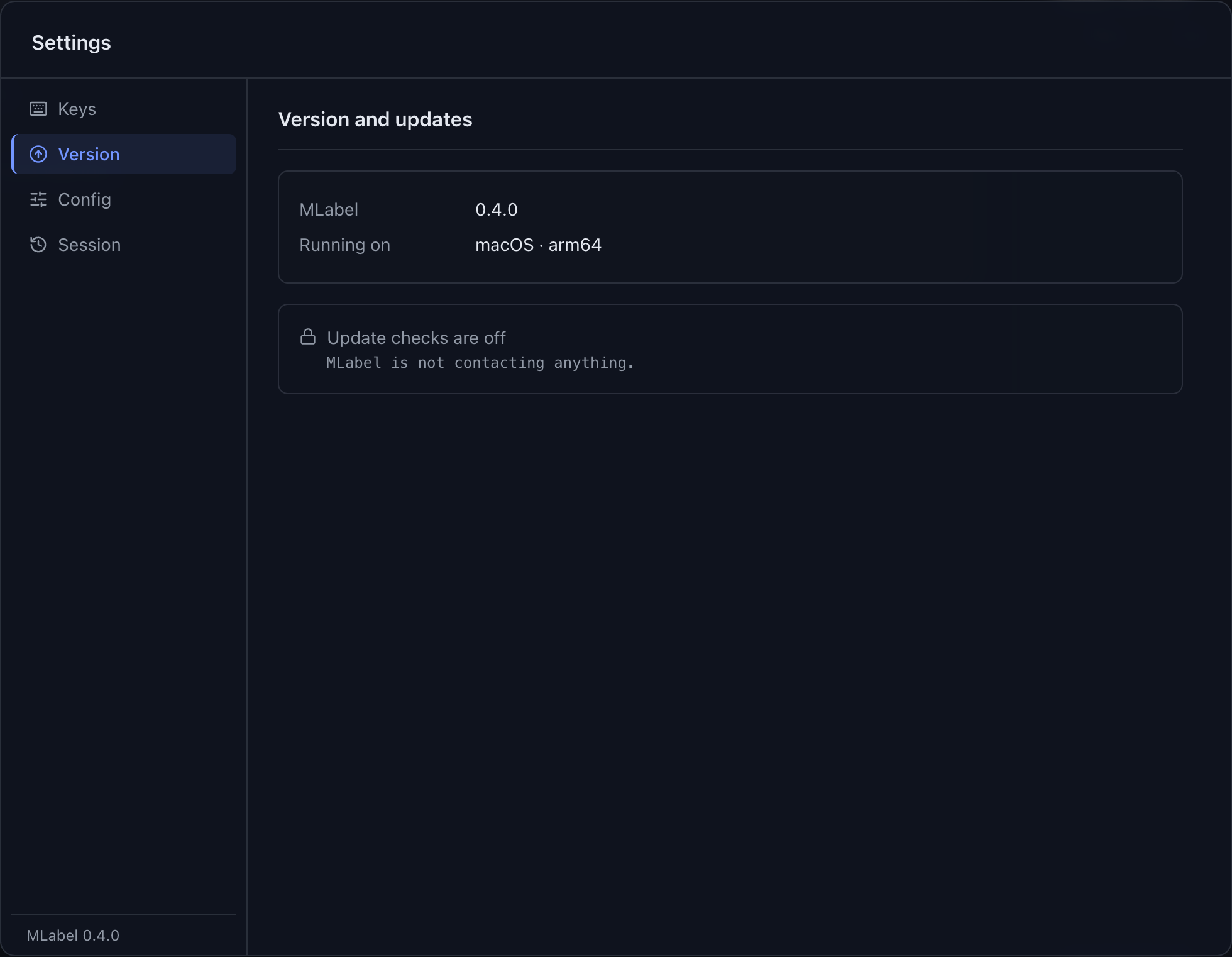
Settings → Version shows the installed version and update state. Updating MLabel explains the normal user workflow.
Check the setting
Section titled “Check the setting”Load the intended configuration before checking Settings. The offline example should show no available manual update action. For a deployment that requires traffic verification, also check it using your environment’s network monitoring tools.
Spell the key exactly: updateChecks, with a final s. updateCheck is rejected as an unknown setting.
What the app allows
Section titled “What the app allows”When enabled, the update service can reach the MLabel GitHub release path and permitted release-asset hosts. The renderer cannot use this permission for arbitrary web requests or navigation. External release links open in the system browser.
MLabel does not fetch the configuration’s $schema URL. Your editor may use that URL for autocomplete while you author the file.